The problem
The history layer is tied to a phone workflow even though the habit happens at the desk.
Issue guide
When history does not save where you expect it, the frustration is bigger than a missing chart. You lose the feedback loop that keeps desk walking consistent.
This page includes affiliate links. If you buy through them, Paceora may earn a commission at no extra cost to you.
The problem
The history layer is tied to a phone workflow even though the habit happens at the desk.
What it usually means
Desk walking is usually built from many low-drama sessions. If the record lives in a phone app you avoid opening, or if the app fails to make sessions feel visible, the habit becomes harder to trust and repeat.
Whether Paceora is relevant
Paceora will not recover missing KS Fit history. It can help by tracking supported WalkingPad sessions you control from the Mac going forward, with desktop-visible history and reminders.
Best next step
If you need old KS Fit history, use official support paths. If you want better tracking going forward on a supported model, download Paceora and control the sessions from the Mac.
The history layer is tied to a phone workflow even though the habit happens at the desk.
Desk walking is usually built from many low-drama sessions. If the record lives in a phone app you avoid opening, or if the app fails to make sessions feel visible, the habit becomes harder to trust and repeat.
Fit check
Workflow comparison
Compatibility warning
If your model is unsupported, Paceora is not a history workaround.
Supported model fit
Best supported fit
The A1 Pro is the best fit because it is the model most likely to produce consistent, useful desk-walking history.
Runner-up
The X21 is the premium fit when long workday sessions make history and habit feedback more valuable.
Who should skip both
Skip both if you only need to recover old app data or if your history issue is tied to unsupported hardware.
Paceora proof
The daily control layer moves into macOS: menu bar tracking, notifications, history, shortcuts, and settings.
See connection state, speed, time, distance, and session progress from the place you already check during work.
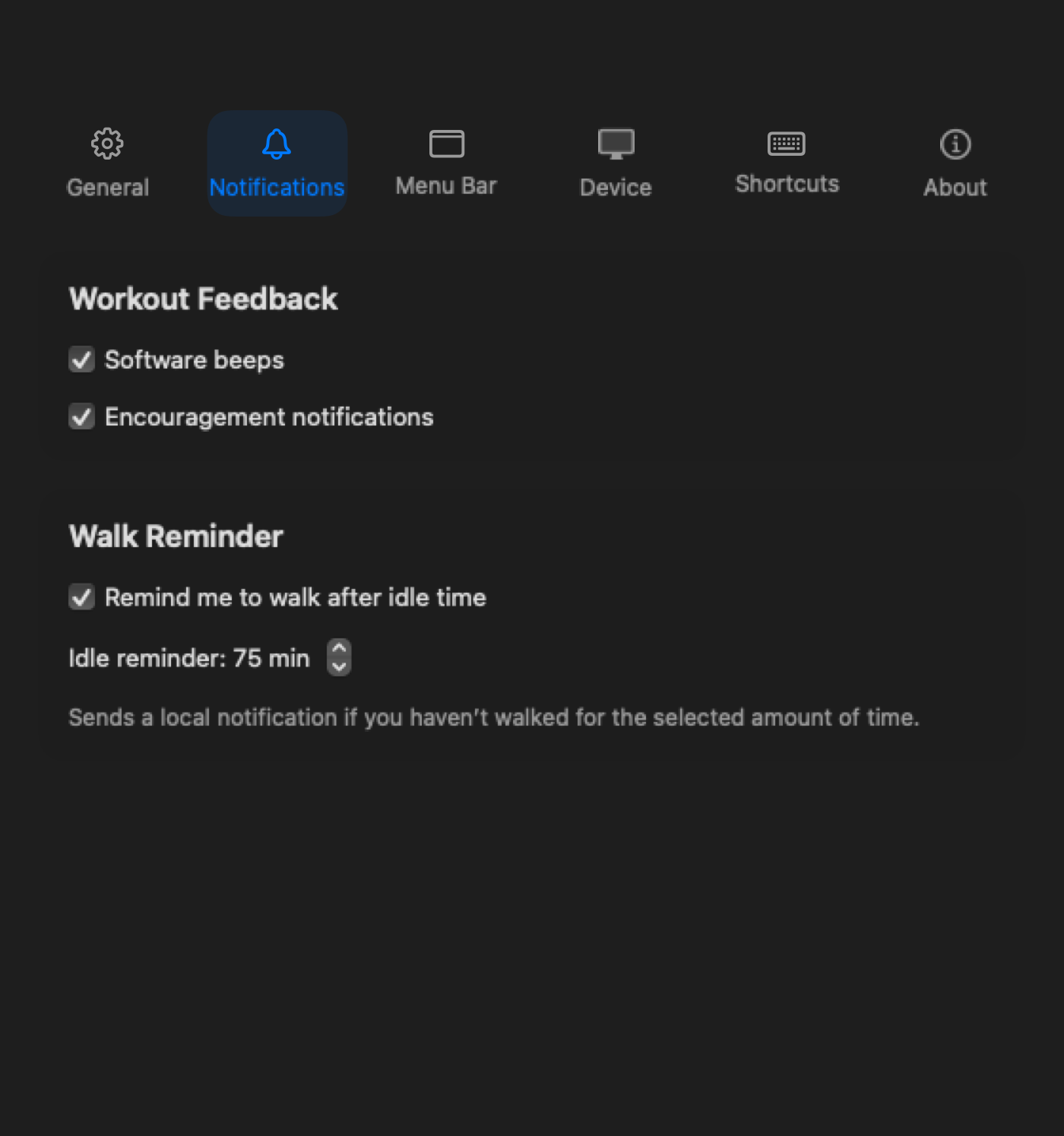
Paceora can nudge you when sitting stretches too long or when a walking goal is close.
Choose what stays visible so the treadmill feels like part of the desktop instead of a separate phone workflow.
Review activity by day, range, and habit pattern instead of treating every walk like a gym workout.
A walk reminder matters more when the history view can show whether the habit actually happened.
History frustration is not always a bug Paceora can fix. Missing official-app data stays inside that official-app problem. Paceora's better promise is narrower: for supported models and Mac-controlled sessions, keep the workday walking record in the desktop workflow where it can actually shape the habit.
If you need old KS Fit history, use official support paths. If you want better tracking going forward on a supported model, download Paceora and control the sessions from the Mac.
Review
The A1 Pro is the safest all-round desk-walking recommendation in Paceora's supported set: sturdier than the compact pads, still foldable enough for a real home office, and clearly desk-first.
Review
The X21 is the premium office-first WalkingPad: the model for buyers who want better visible-room fit, upright storage, and a more intentional home-office setup.
Review
The WalkingPad C2 is the compact desk-walking pick for buyers who care more about easy storage and low-friction use than about maximum deck confidence.
vs
Comparison
Pick the A1 Pro if you want the safer all-round desk setup. Pick the C2 if compact storage is the actual deciding factor.
vs
Comparison
Choose the X21 for premium desk walking and visible office fit. Choose the X25 only if you really want the heavier-duty treadmill upside too.
FAQ
No. Paceora is for Mac-controlled sessions going forward, not recovering old official-app data.
It is designed around sessions controlled through Paceora on supported models. Sessions controlled elsewhere may not be part of that history.
Because desk walking is a workday habit. Seeing it on the Mac makes it easier to notice drift and restart the routine.
If you need old KS Fit history, use official support paths. If you want better tracking going forward on a supported model, download Paceora and control the sessions from the Mac.