
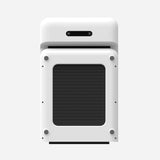
WalkingPad C2
Choose the C2 for easy storage in a tight room. Choose a wider model if long daily walks matter more than portability.
WalkingPad + Mac compatibility
Paceora works with five specific WalkingPads. Confirm the name on your treadmill and test Bluetooth access before paying for the app.
The checker asks you to choose a nearby WalkingPad and tests only whether this Mac can reach it. It never starts the treadmill or changes its speed.
Choose the C2 for easy storage in a tight room. Choose a wider model if long daily walks matter more than portability.

Start with the A1 Pro if you want a regular desk-walking treadmill and do not need to store it after every session.
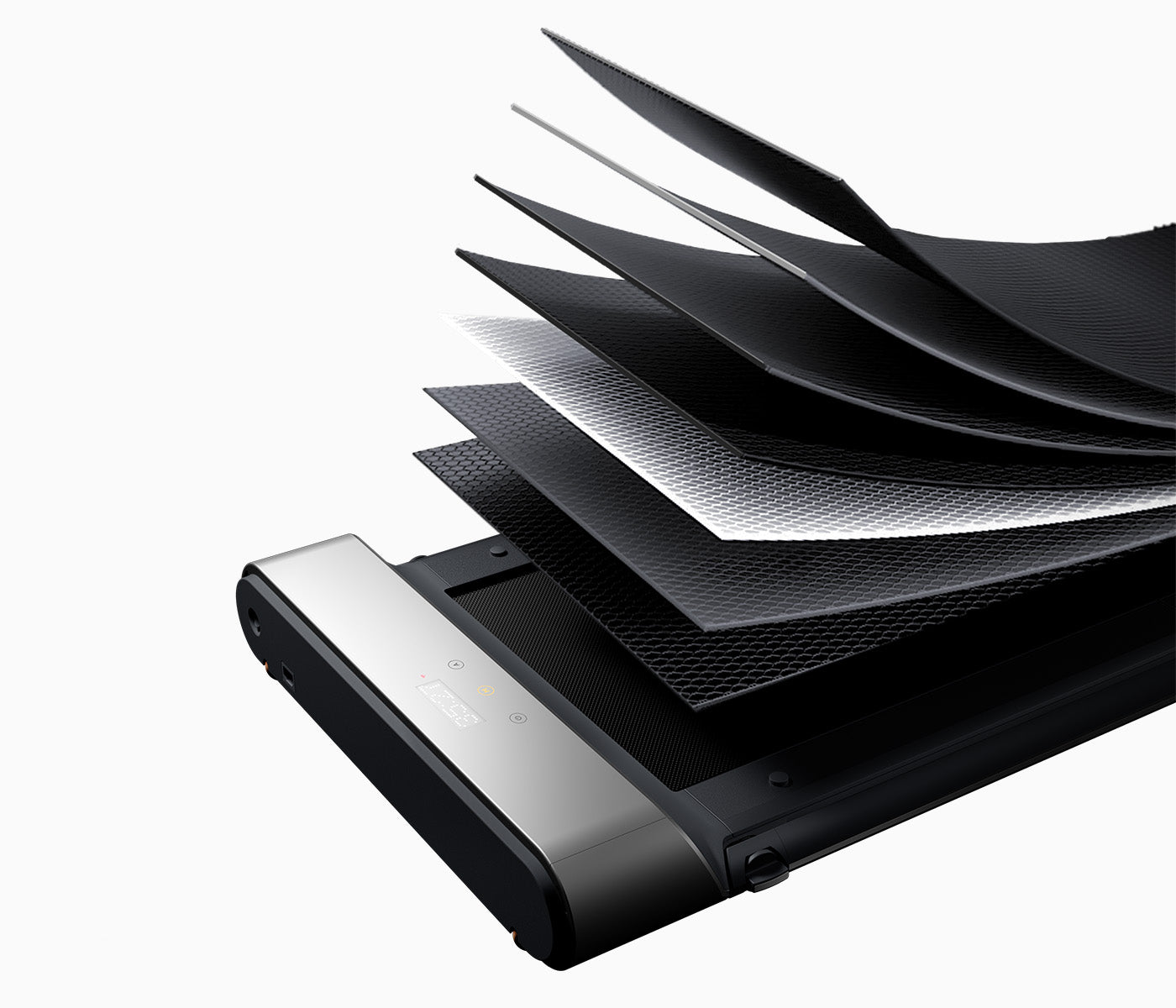
Choose the R1 Pro if you will use both walking and faster exercise modes. For desk walking alone, the A1 Pro is smaller and simpler.
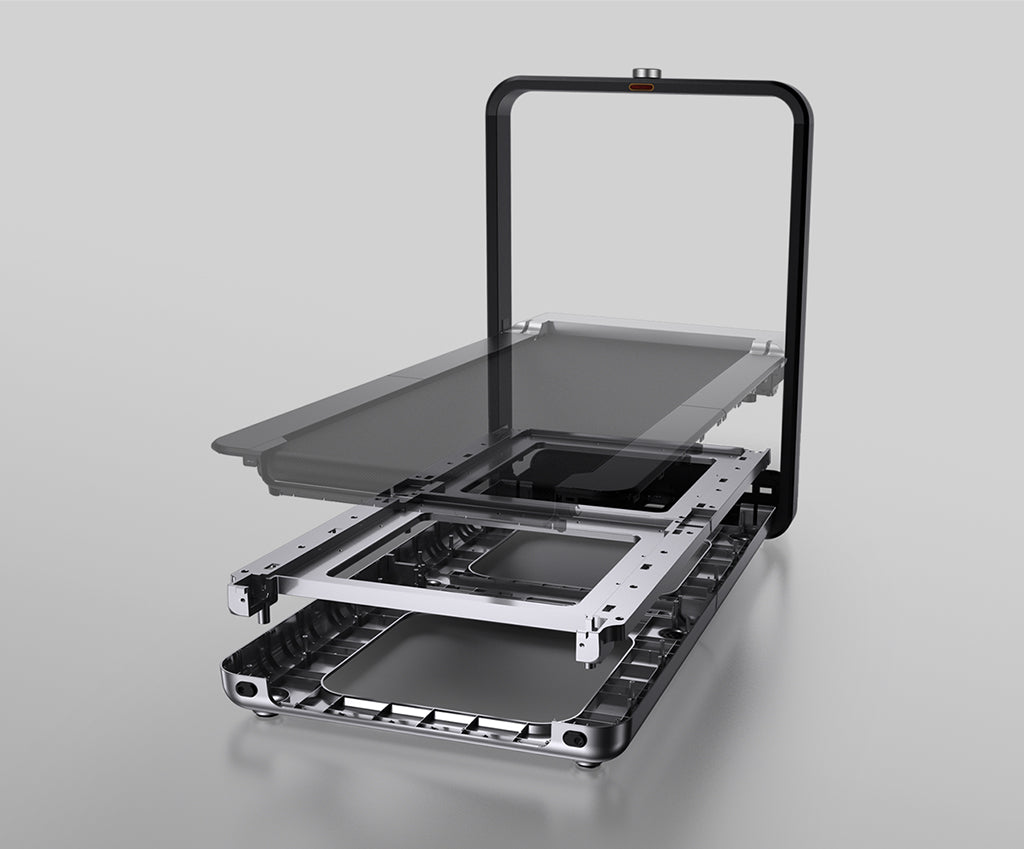
The X21 is worth considering when upright storage and the fixed-handle layout suit the room. Otherwise, the A1 Pro covers regular desk walking for less.
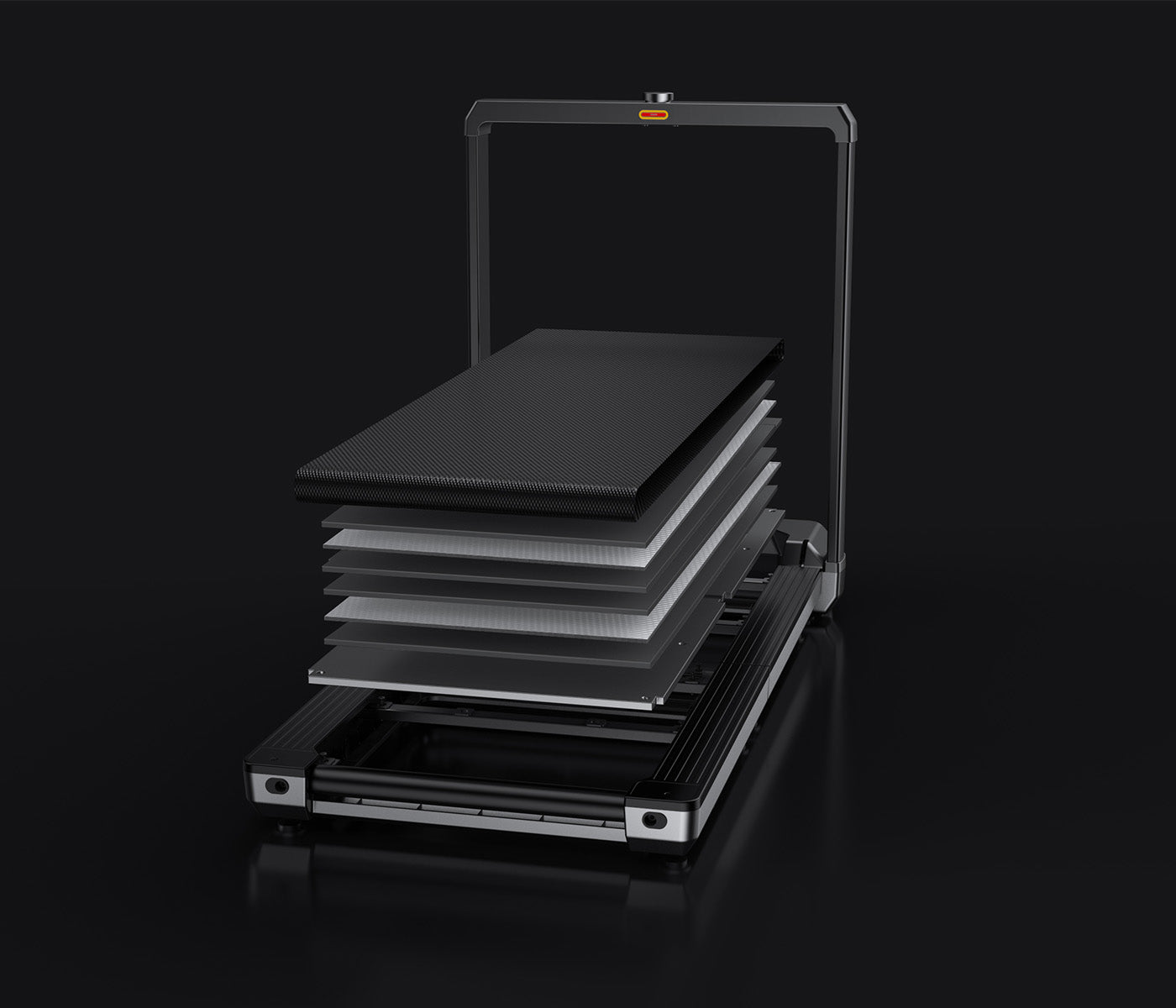
Choose the X25 for a larger room and mixed work-and-exercise use. Choose a smaller supported model for ordinary desk walking.
Paceora supports the C2, A1 Pro, R1 Pro, X21, and X25. These are all KingSmith models that use a compatible Bluetooth connection.
Possibly. If a new KingSmith model uses a compatible Bluetooth connection, it may work. New models are added as they are tested.
No. Paceora is built for supported KingSmith WalkingPad models. Other brands use different Bluetooth behavior.