

WalkingPad buyer guide Evidence-led shortlist
Best WalkingPad for Mac users
Start with a WalkingPad that fits your desk and your room. Paceora can then keep the controls on your Mac instead of on a separate phone.
- Guide type
- Use-case
- Shortlist
- 3 models
- Decision lens
- Workday fit
What matters for this setup
WalkingPad control often starts on a phone. That can feel awkward when your hands and attention are already on a Mac. Paceora moves start, stop, speed, and session history to the menu bar on supported models. The model still needs to suit your space, body, and walking routine before that convenience matters.
The A1 Pro is the balanced choice for regular desk sessions. The X21 costs more but works well in a permanent office where the treadmill can stay visible. The C2 gives up some long-session comfort to make storage easier. Paceora supports the R1 Pro and X25 too, though those models are easier to justify when exercise or higher-capacity needs matter beyond desk walking.
Three models worth comparing
Amazon links are affiliate links. Paceora may earn a commission if you buy.
Top pick: WalkingPad A1 Pro
The A1 Pro is the best all-round Mac pairing for regular desk walking. Its steadier deck suits longer work sessions, and Paceora lets you control it without leaving the Mac.
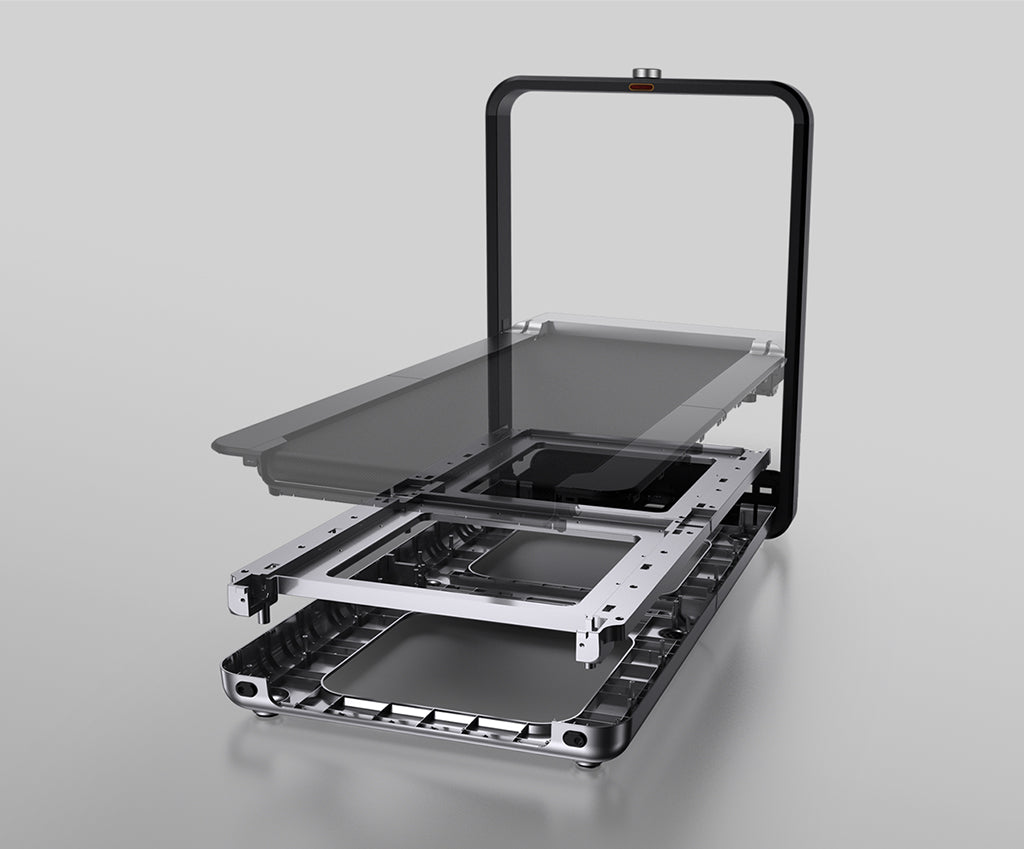
Runner-up: WalkingPad X21
The X21 suits a dedicated office where upright storage, a wider deck, and a cleaner visible setup justify the higher price.
Budget pick: WalkingPad C2
The C2 is the easier choice for tight spaces. It folds away more readily, and Paceora makes short workday sessions quick to start from the Mac.
Using it with Paceora
Paceora puts start, stop, speed, reminders, and history on the Mac for supported models. It improves daily control, but it cannot fix a poor physical fit between the treadmill, desk, and room.
Keep reading
Questions people usually have
Which WalkingPad models does Paceora support?
Paceora supports a specific set of models. Check the compatibility page before buying a treadmill around Mac control.
Do I still need the KS Fit app?
Not for daily control. Paceora handles start/stop, speed, and session tracking. You may want KS Fit for initial firmware updates.
Use the selector before opening another product tab.
Answer four questions about the room, session length, storage, and Mac control.