
The problem
WalkingPad control commonly starts on a phone or small remote, even when the treadmill sits below a Mac workstation.
Paceora lets a Mac control supported WalkingPad and KingSmith models over Bluetooth. Start, stop, change speed, review history, and set reminders without opening the phone app for every walk.

WalkingPad control commonly starts on a phone or small remote, even when the treadmill sits below a Mac workstation.
Paceora puts start, stop, speed, history, and reminders in the Mac menu bar and keyboard. The treadmill still needs to be a supported model with working Bluetooth.
Install Paceora, confirm your model is supported, pair over Bluetooth, then control daily sessions from the Mac menu bar or keyboard. Keep KS Fit around for firmware updates or setup edge cases.
If you already own a supported model, download Paceora. If you are still choosing hardware, start with the A1 Pro and C2 comparison.
Mac control requires a supported treadmill and a working Bluetooth connection. Paceora then provides menu bar controls, keyboard shortcuts, reminders, and history. Keep KS Fit available for firmware updates and any setup step that requires the official app.
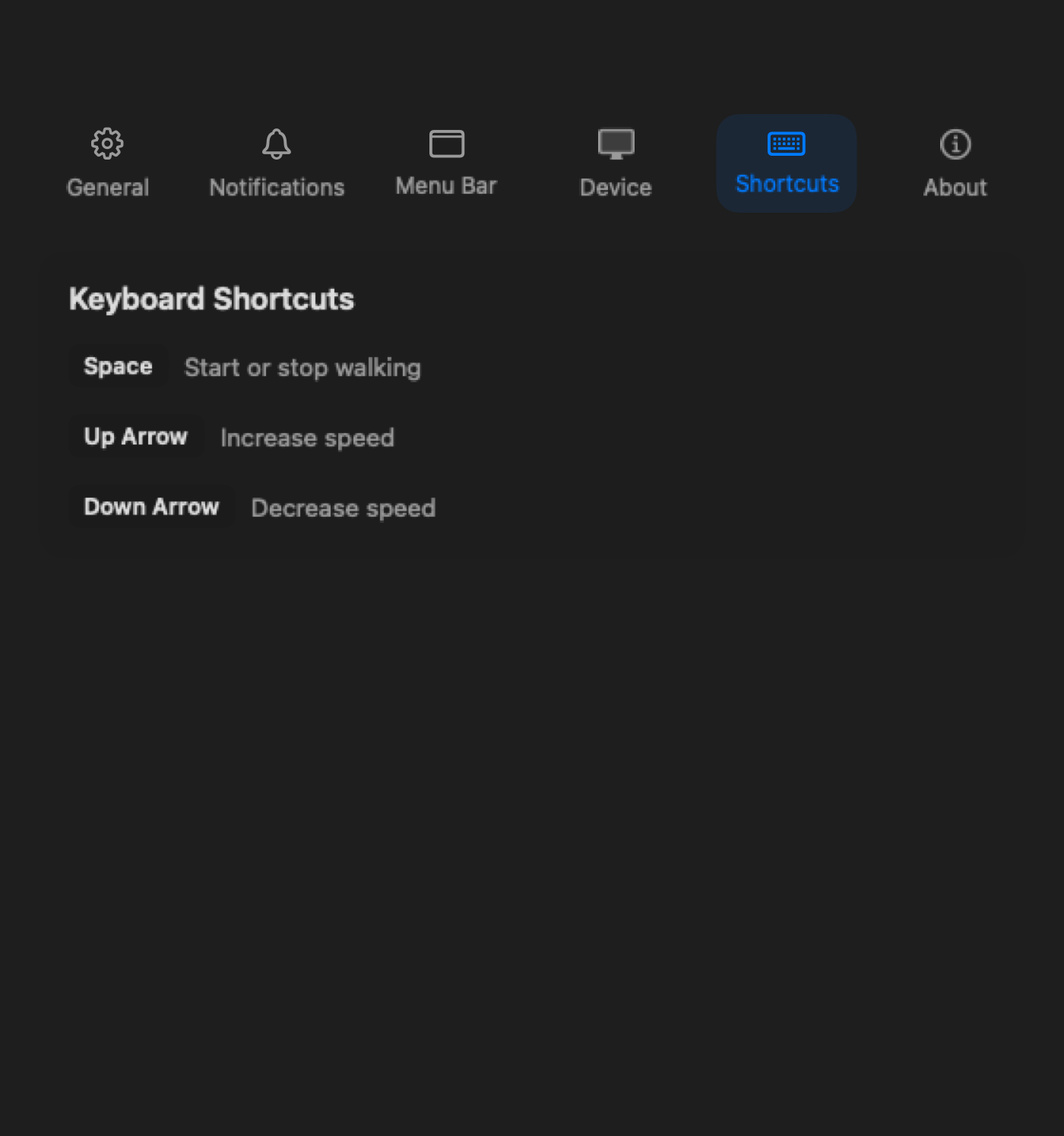
Keep control in the menu bar and keyboard instead of on a separate device.

Review sessions from the desktop after the walk is over.
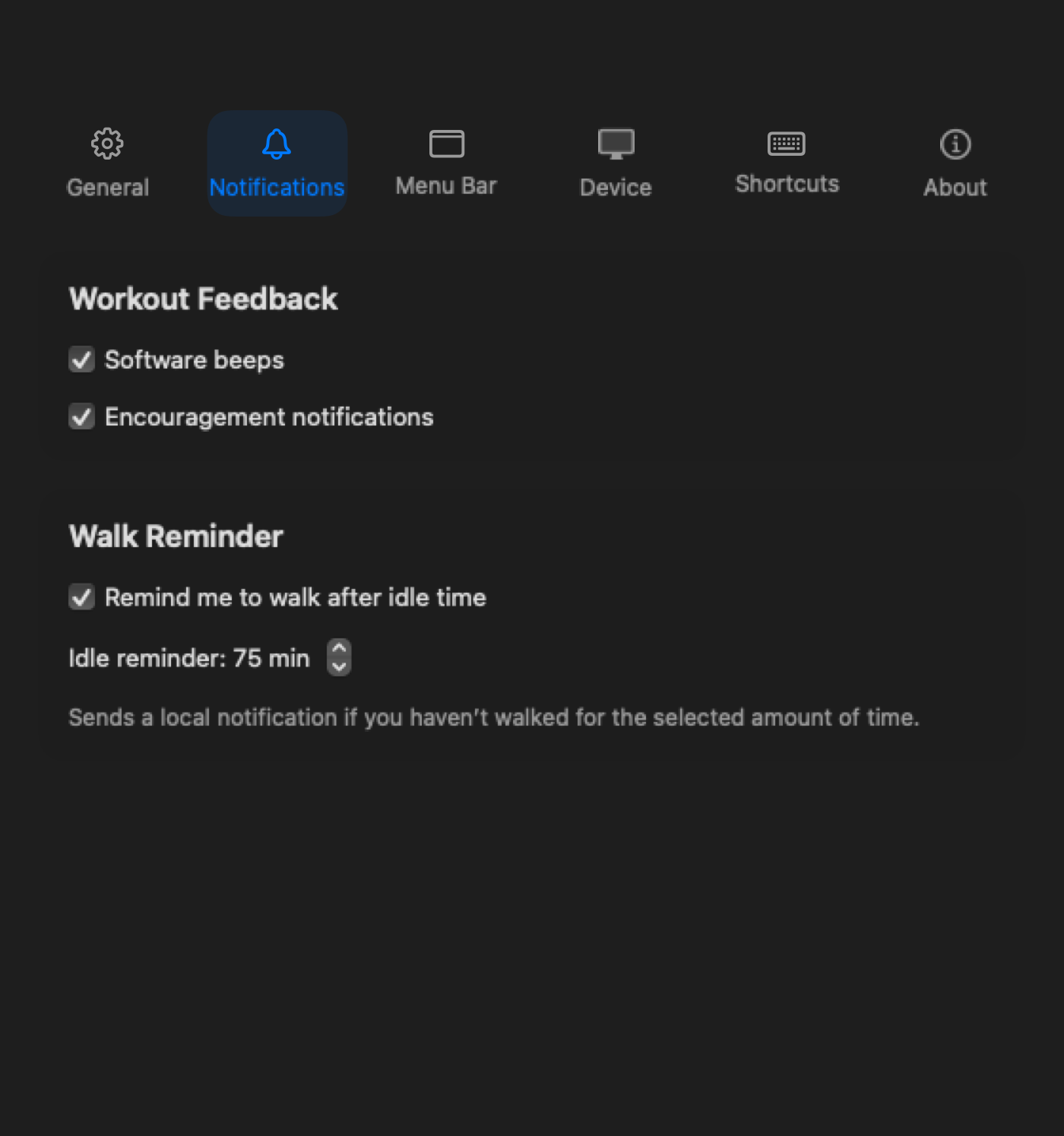
Use desktop nudges to restart the walking habit when the day gets sedentary.

Compare the A1 Pro first for regular desk walking. Its steadier deck suits longer work sessions, and Paceora supports control from the Mac.
Compare the C2 when easy storage and shorter work sessions matter more than a wider, steadier deck.
Skip both if you are buying primarily for workouts or if your existing model is not supported.
Yes, if the model is supported by Paceora. The app controls compatible WalkingPad and KingSmith treadmills over Bluetooth.
Compare the A1 Pro for regular desk walking, the C2 for easier storage, and the X21 for a larger, dedicated office. Check the desk height and room before choosing.
Keep it available for firmware updates and setup steps that require the official app. Paceora covers daily Mac control on supported models, not every vendor function.
If you already own a supported model, download Paceora. If you are still choosing hardware, start with the A1 Pro and C2 comparison.