The problem
The first question is whether the treadmill is failing to connect anywhere, or whether KS Fit is the frustrating part.
Issue guide
A connection failure can mean the phone app is flaky, the treadmill is in a bad pairing state, or the hardware is not reachable. Paceora is relevant only for some of those cases.
This page includes affiliate links. If you buy through them, Paceora may earn a commission at no extra cost to you.
The problem
The first question is whether the treadmill is failing to connect anywhere, or whether KS Fit is the frustrating part.
What it usually means
If the treadmill can connect normally but KS Fit makes daily control unreliable or slow, moving control to the Mac can help. If the treadmill cannot pair, broadcast, or power on, that is a device or support problem before it is a Paceora problem.
Whether Paceora is relevant
Paceora helps when you have a supported model and the real problem is the phone-first app layer. It will not fix a treadmill that cannot be discovered over Bluetooth, a dead board, or an unsupported model.
Best next step
Check compatibility first. If the model is supported and Bluetooth is working, use the Mac control guide. If nothing can connect, treat it as a treadmill support issue.
The first question is whether the treadmill is failing to connect anywhere, or whether KS Fit is the frustrating part.
If the treadmill can connect normally but KS Fit makes daily control unreliable or slow, moving control to the Mac can help. If the treadmill cannot pair, broadcast, or power on, that is a device or support problem before it is a Paceora problem.
Fit check
Workflow comparison
Compatibility warning
Do not treat a KS Fit connection issue as proof that Paceora will work. Confirm model support first.
Supported model fit
Best supported fit
The A1 Pro is the safest model to route into Paceora once Bluetooth is working because it is the cleanest daily desk-walking fit.
Runner-up
The C2 is a good second choice when setup convenience matters more than the steadier feel of the A1 Pro.
Who should skip both
Skip both recommendations if your current treadmill cannot be discovered or if your model is not listed as supported.
Paceora proof
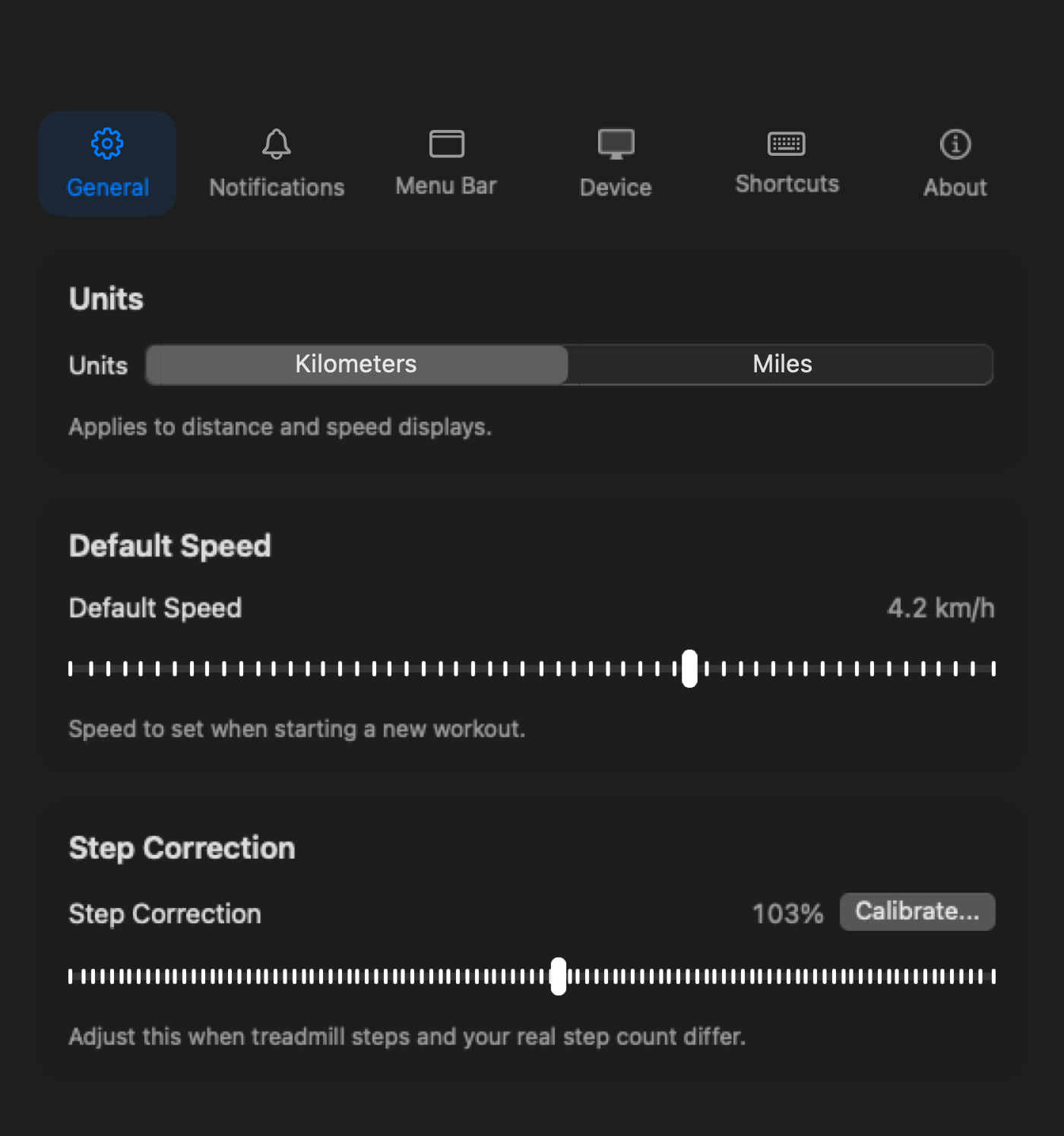
The daily control layer moves into macOS: menu bar tracking, notifications, history, shortcuts, and settings.
See connection state, speed, time, distance, and session progress from the place you already check during work.
Paceora can nudge you when sitting stretches too long or when a walking goal is close.
Choose what stays visible so the treadmill feels like part of the desktop instead of a separate phone workflow.
Once the supported treadmill is reachable, Paceora moves day-to-day preferences to the Mac.
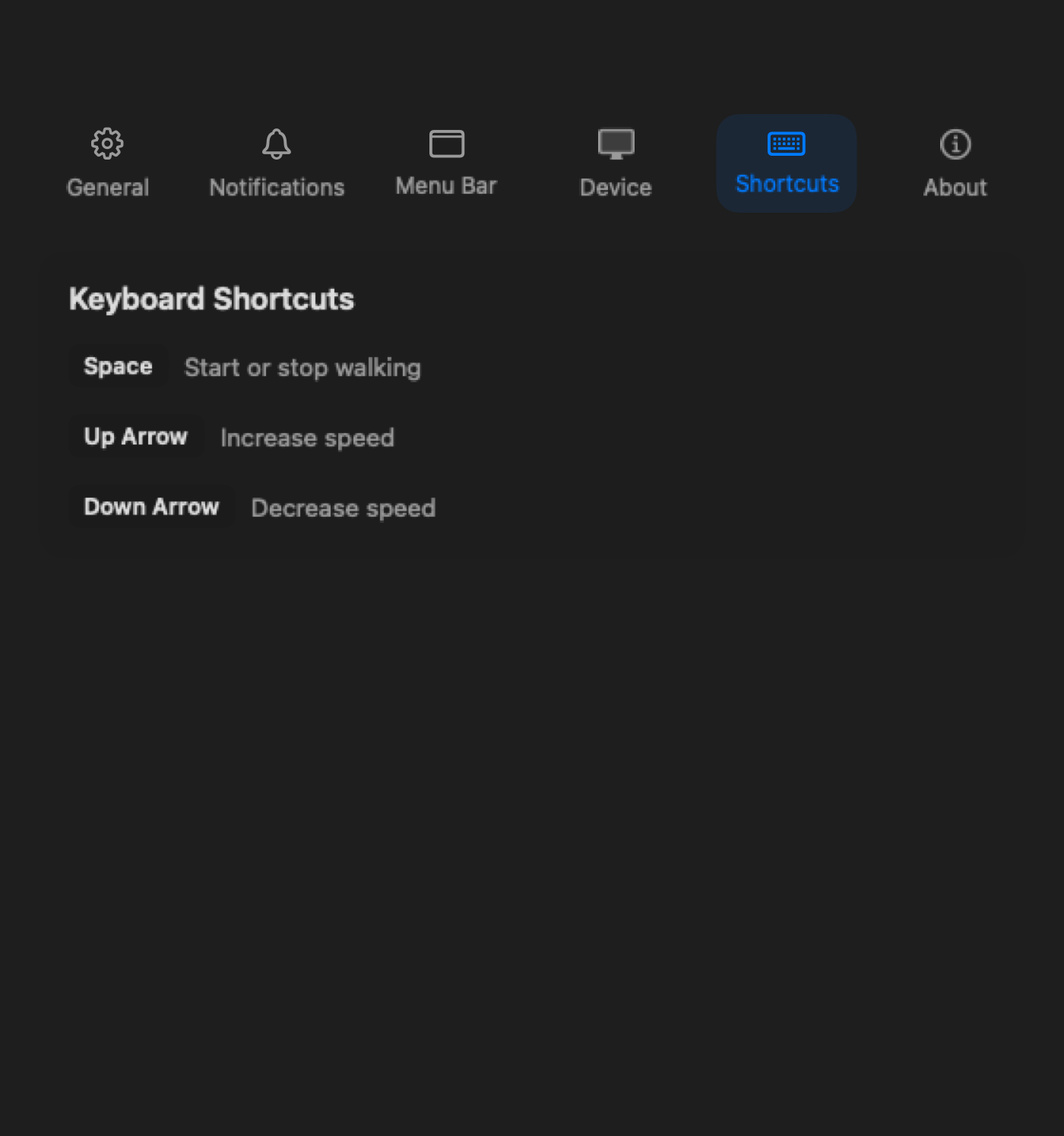
The value starts after the connection problem is not a hardware problem.
This is the page where honesty matters most. A better Mac app is useful when the official app is the daily bottleneck. It is not useful when the treadmill itself is not reachable. If your model is supported, Bluetooth works, and KS Fit is just a bad control layer, Paceora is a strong next step. If not, start with compatibility and support.
Check compatibility first. If the model is supported and Bluetooth is working, use the Mac control guide. If nothing can connect, treat it as a treadmill support issue.
Review
The A1 Pro is the safest all-round desk-walking recommendation in Paceora's supported set: sturdier than the compact pads, still foldable enough for a real home office, and clearly desk-first.
Review
The WalkingPad C2 is the compact desk-walking pick for buyers who care more about easy storage and low-friction use than about maximum deck confidence.
FAQ
Sometimes, but do not assume it. If KS Fit is the problem and the treadmill is otherwise reachable, Paceora may help. If the treadmill is not discoverable at all, solve that first.
No. Check the supported model list first, especially if you are already dealing with connection uncertainty.
No. Keep KS Fit available for official firmware and setup needs.
Check compatibility first. If the model is supported and Bluetooth is working, use the Mac control guide. If nothing can connect, treat it as a treadmill support issue.