

Desk compatibility guide Evidence-led shortlist
Best WalkingPad for Jarvis desks
A Jarvis desk can be a strong desk-walking base, but the right WalkingPad depends on the room around it. Start with daily work fit, then decide how much storage and premium polish matter.
- Guide type
- Desk-specific
- Shortlist
- 3 models
- Decision lens
- Workday fit
What matters for this setup
Jarvis setups vary by desktop, frame, accessories, and user height. That makes exact compatibility something to verify, not assume. The treadmill can be reasonable and still fail if the desk frame blocks foot placement or the keyboard height runs out of range.
For Jarvis desks, the recommendation is less about the brand and more about the workstation role. A Jarvis in a dedicated office points toward the A1 Pro or X21. A Jarvis in a bedroom corner points toward the C2. The R1 Pro only makes sense if you want the same machine to handle faster sessions. The X25 should stay a larger-office or heavier-use pick, not the automatic premium answer.
Three models worth comparing
Amazon links are affiliate links. Paceora may earn a commission if you buy.
Top pick: WalkingPad A1 Pro
The A1 Pro is the best Jarvis pairing for most buyers because it matches a normal dedicated desk-walking routine. It is stable enough for serious typing and still foldable enough for a home office. It is wrong if the treadmill needs to vanish after every work block.
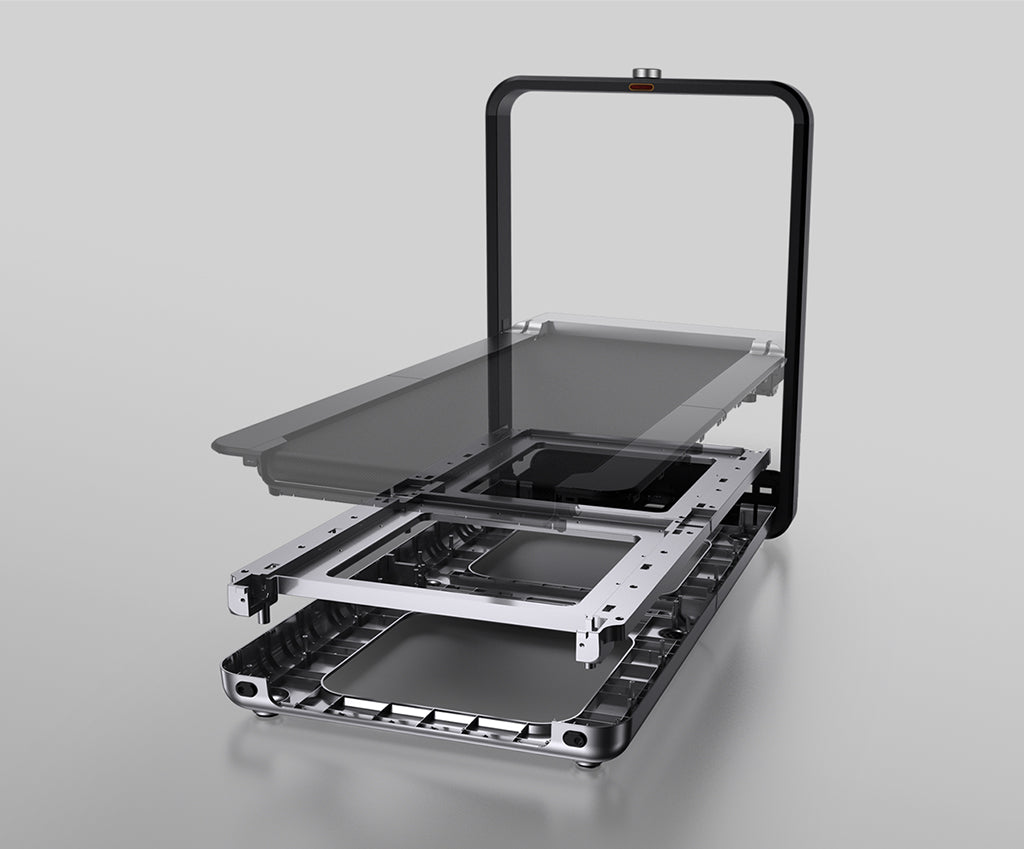
Runner-up: WalkingPad X21
The X21 is the runner-up for a permanent Jarvis office where the treadmill can remain visible. Plan its position in the room instead of assuming a simple under-desk fit.
Budget pick: WalkingPad C2
The C2 is the compact fallback for Jarvis setups in apartments, shared rooms, or lower-height configurations.
Desk compatibility check
A flexible home-office desk where exact treadmill fit depends heavily on the frame and room setup.
The buyer wants to turn an existing Jarvis workstation into a walking setup without creating a storage problem.
Frame
The Jarvis frame decides more than the name
Desktop size, frame width, and accessories can change the usable walking lane. Measure the actual gap where the pad will sit.
Height
Add the deck height before judging comfort
The right keyboard height on a treadmill is higher than your normal standing height. Check wrist position at that new height.
Daily use
A1 Pro is the workday-first match
If the Jarvis desk is your main workstation, the A1 Pro balances a steadier deck with foldable storage.
Room plan
X21 needs a visible-office plan
The X21 can suit a dedicated Jarvis office, but its visible storage is harder to place in a small shared room.
Bottleneck
A cramped desk makes every treadmill worse
If the frame, chair storage, or cable path forces the pad off-center, the desk setup is the bottleneck.
What to verify before buying
- Verify the exact frame and accessory layout before assuming under-desk clearance.
- If the desk is in a shared room, give storage more weight than premium feel.
- Plan where the X21 will stand when it is not in use; it changes the room layout.
Exact setup checks
Check Paceora's supported WalkingPad models before choosing around Mac control.
Tradeoffs to accept
Dedicated Jarvis office
A1 Pro first, X21 if the room deserves and supports a premium visible treadmill.
Shared Jarvis room
C2 becomes more attractive when the desk lives in a bedroom, living room, or apartment corner.
Using it with Paceora
Jarvis owners who walk while working benefit from keeping the control layer on the Mac. Paceora is not a compatibility shortcut for a bad physical setup, but it does make a good Jarvis plus WalkingPad pairing easier to use every day.
Keep reading
Questions people usually have
Does a WalkingPad fit under a Jarvis desk?
Often, but you need to measure your exact frame and height range. Jarvis setups vary enough that the brand name alone is not proof.
What is the best WalkingPad for a Jarvis desk?
Compare the A1 Pro first for a dedicated desk. Pick the C2 for a tighter room, or the X21 for a permanent office with a planned storage position.
When is the Jarvis desk the problem?
When accessories, frame width, cable trays, or height limits stop you from centering the treadmill and keeping your wrists neutral.
Use the selector before opening another product tab.
Answer four questions about the room, session length, storage, and Mac control.