

WalkingPad buyer guide Evidence-led shortlist
Best WalkingPad for home office use
A home office treadmill has to stay quiet during calls, feel steady while you type, and fit the room when the workday ends.
- Guide type
- Use-case
- Shortlist
- 3 models
- Decision lens
- Workday fit
What matters for this setup
A treadmill under a desk shares space with chair legs, cables, storage, and video calls. Measure the open floor area, check the desk's maximum height, and decide where the treadmill will go when you sit. Those details usually matter more than a long feature list.
If the treadmill can remain under the desk, the A1 Pro's steadier deck is likely to matter more than the C2's lighter frame. If the room must return to another use each evening, the C2 is easier to put away. The X21 fits a larger, permanent office. The R1 Pro and X25 take more room and make more sense when exercise outside work is also part of the plan.
Three models worth comparing
Amazon links are affiliate links. Paceora may earn a commission if you buy.
Top pick: WalkingPad A1 Pro
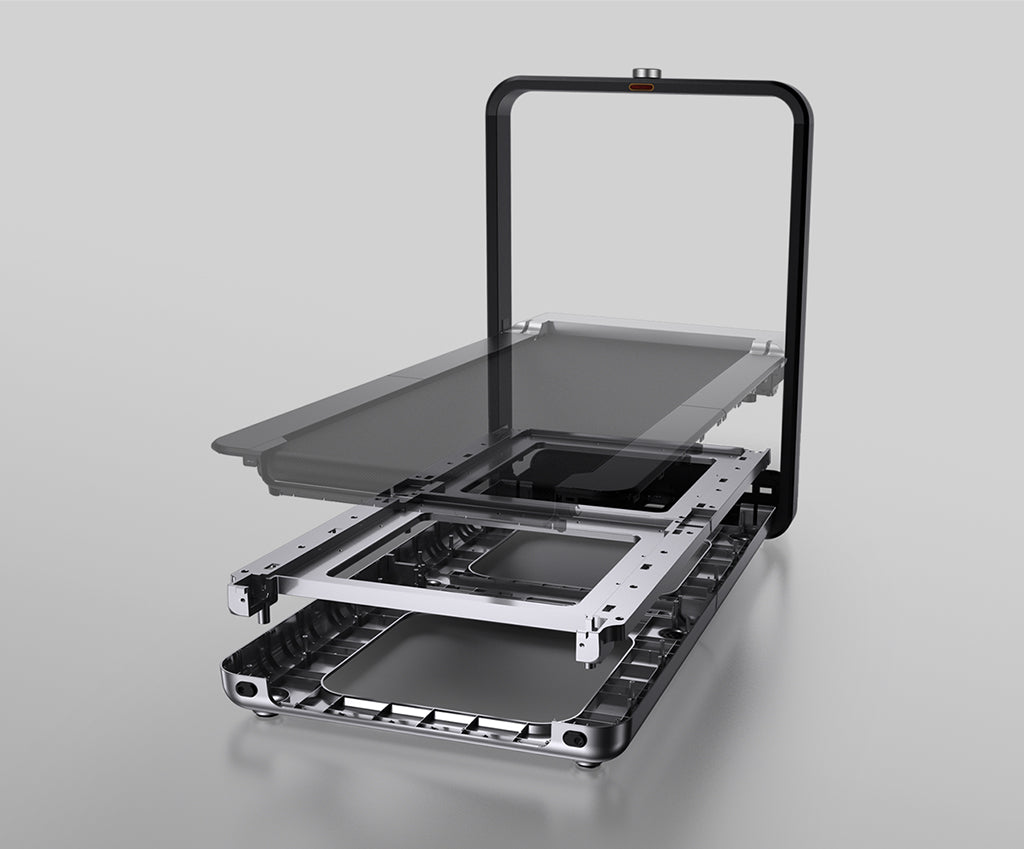
The A1 Pro is the strongest all-round home office choice. It feels steady during regular typing sessions and folds when you need the floor back, though it is heavier to move than the C2.
Runner-up: WalkingPad X21
The X21 is the premium choice for a dedicated office. Its upright storage and wider-feeling deck can work well when the treadmill has a permanent place in the room.
Budget pick: WalkingPad C2
The C2 works well when floor space is tight. It folds flatter and is easier to store, but its narrower deck can feel less comfortable on long walks.
Using it with Paceora
Paceora removes the trip to a phone app. You can start, pause, change speed, and review the session from the Mac while the treadmill stays under the desk.
Keep reading
Questions people usually have
What if my office doubles as a guest room?
The C2 stores the flattest. The A1 Pro folds but takes more floor space. The X21 stores upright, which takes vertical space instead.
Which is quietest for calls?
Room acoustics, speed, flooring, and microphone placement all affect what other people hear. Test your own setup before walking during an important call, and pause when sound quality matters.
Use the selector before opening another product tab.
Answer four questions about the room, session length, storage, and Mac control.