Desk compatibility guide Evidence-led shortlist
Best WalkingPad for standing desks
A walking pad raises your feet and changes the keyboard height you need. Measure the desk at that new height, then check the frame and storage space.
- Guide type
- Desk-specific
- Shortlist
- 2 models
- Decision lens
- Workday fit
What matters for this setup
A standing-desk treadmill changes the ergonomics of the whole workstation. The desk has to rise high enough for your hands after the deck and shoes are added, the frame has to leave enough under-desk room, and the pad has to feel stable while you type. If any of those fail, the treadmill is not the bottleneck. The desk is.
Compare the A1 Pro first when the treadmill can stay near the desk and you expect longer typing sessions. Choose the C2 when desk height, frame clearance, or daily storage is tighter. The X21 needs a planned position in a permanent office. The R1 Pro and X25 make sense only when exercise or higher-capacity needs extend beyond desk walking.
Two models worth comparing
Amazon links are affiliate links. Paceora may earn a commission if you buy.
Top pick: WalkingPad A1 Pro
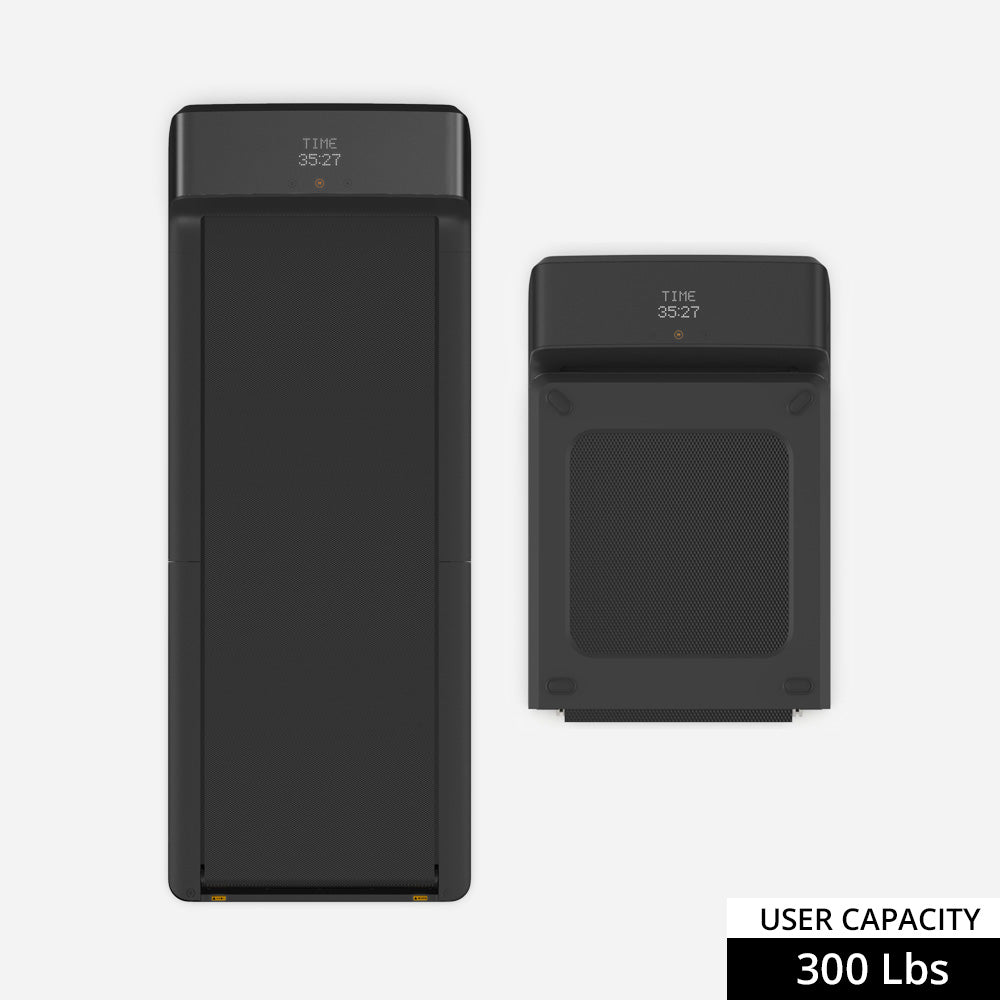
The A1 Pro is the balanced choice for regular standing-desk use because its deck feels steadier than the compact models. Check its deck height against your desk's remaining lift range before buying.
Runner-up: WalkingPad C2
The C2 is the better choice when clearance and storage decide the setup. Its narrower deck is less comfortable on long walks, but the lower profile and lighter foldaway design ask less from a tight room.
About the lower-cost choice
The C2 is also the lower-cost pick, so this guide has two distinct recommendations rather than a separate third choice.
Desk compatibility check
Use this guide when you want under-desk walking but have not narrowed the decision to a particular desk brand or height limit.
You need to identify whether desk height, frame clearance, or room layout prevents a comfortable walking position.
Desk height
Start with your keyboard height
Your desk needs to reach your walking keyboard height, not just your standing height. If it is already near maximum height, compare the lower-profile C2 before the A1 Pro.
Clearance
Check the frame, not just the desktop
The important clearance is between the desk legs, crossbars, feet, and cable trays. A walking pad can fit the room and still fail under the desk frame.
Deck height
Lower decks preserve more ergonomic headroom
The flatter A1 Pro and C2 leave more of the desk's height range available for a neutral arm and wrist position.
Tall users
Taller users need more margin
If you are tall, the treadmill can push the keyboard height beyond what the desk can deliver. Do that check before you pay for a wider or heavier model.
Bottleneck
Sometimes the desk is the problem
A better treadmill cannot overcome a desk that will not rise high enough, wobbles at max height, or blocks the deck with its frame.
What to verify before buying
- Measure your normal standing desk height first, then add the treadmill deck and footwear.
- Check frame width and feet placement before assuming the pad will slide neatly between the desk legs.
- If you are tall and already max out the desk, a lower-profile pad helps but may not solve the setup.
Exact setup checks
WalkingPad A1 Pro with standing desks WalkingPad C2 with standing desks WalkingPad X21 with standing desks
Check Paceora's supported WalkingPad models before choosing around Mac control.
Tradeoffs to accept
A1 Pro vs C2
The A1 Pro feels steadier on longer work sessions. The C2 is easier when the desk and room leave little height or storage margin.
X21 and X25
The X21 can suit a permanent office with a planned storage position. The larger X25 needs more room and a use beyond ordinary desk walking.
Using it with Paceora
After the desk and treadmill fit, Paceora keeps start, stop, speed, shortcuts, and session history on the Mac. It does not change desk height or frame clearance.
Keep reading
Questions people usually have
Will a WalkingPad work with my standing desk?
Usually, but measure first. Your desk needs enough height after adding the treadmill deck and shoes, and the frame needs enough under-desk clearance.
Which WalkingPad should I compare first for a standing desk?
Start with the A1 Pro for regular desk sessions. Compare the C2 when a lower profile, easier storage, or tighter frame clearance matters more.
When is the desk the bottleneck?
When it cannot rise high enough, wobbles at the height you need, or has legs, feet, trays, or crossbars that block the pad.
Use the selector before opening another product tab.
Answer four questions about the room, session length, storage, and Mac control.