Work style guide

Best WalkingPad for consultants

Consulting days mix deep work, client calls, and deck building. The treadmill needs to handle all three rhythms without becoming a distraction.

Focus High Typing Medium Calls High Sessions Fragmented days

This page includes affiliate links. If you buy through them, Paceora may earn a commission at no extra cost to you.

Why walking helps consultants

Research, strategic thinking, and draft writing are all improved by gentle movement. Consultants often find that walking helps them structure arguments and see patterns in data they'd miss while sitting.

When to stop walking

Client presentations, detailed deck formatting, and complex financial modeling. High-precision and high-stakes work deserves stillness.

What matters most for consultants

Versatility across session types and quick start/stop for unpredictable schedules. Noise matters during client calls.
Model rankings for consultants

#1 Best overall
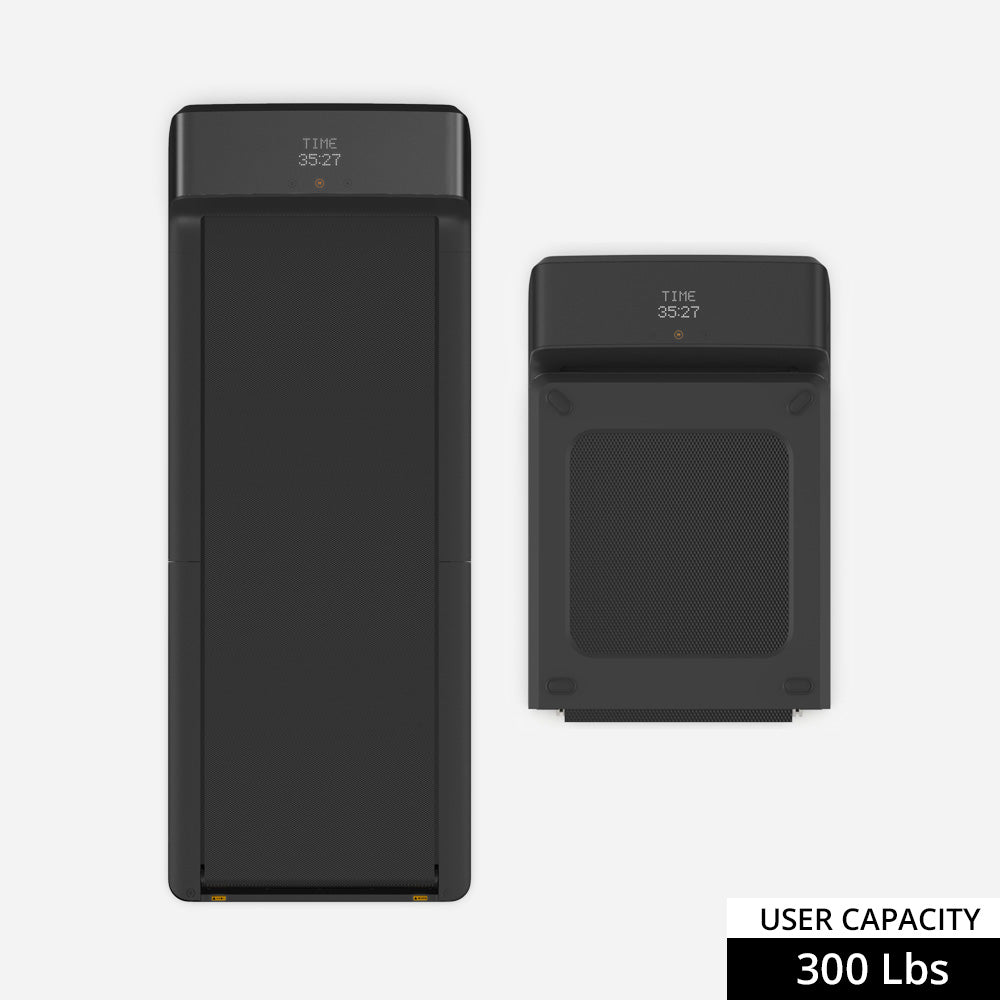
WalkingPad A1 Pro treadmill

WalkingPad A1 Pro

The most versatile option for the consulting mix of deep work and client interaction.

#2 Premium pick
WalkingPad X21 treadmill

WalkingPad X21

Better office presence for consultants who host video calls from a visible home setup.

#3 Travel-friendly
WalkingPad C2 treadmill

WalkingPad C2

For consultants in smaller spaces or who might need to stash it when clients visit.

#4 Dual-purpose
WalkingPad R1 Pro treadmill

WalkingPad R1 Pro

Consulting travel means limited workout time — the hybrid option has a real case here.

Why Paceora matters for consultants

Consultants switch contexts constantly. Paceora fits the treadmill into the Mac workflow so it doesn't become yet another thing to context-switch into during an already fragmented day.

Model comparisons

Buyer guides

Other work styles

FAQ

Questions people usually have

Can I build slides while walking?

Rough drafts and outlines, yes. Final formatting and alignment work, better to pause.

Find the right WalkingPad for consultants

Start with the hardware, then add Mac-native control with Paceora.