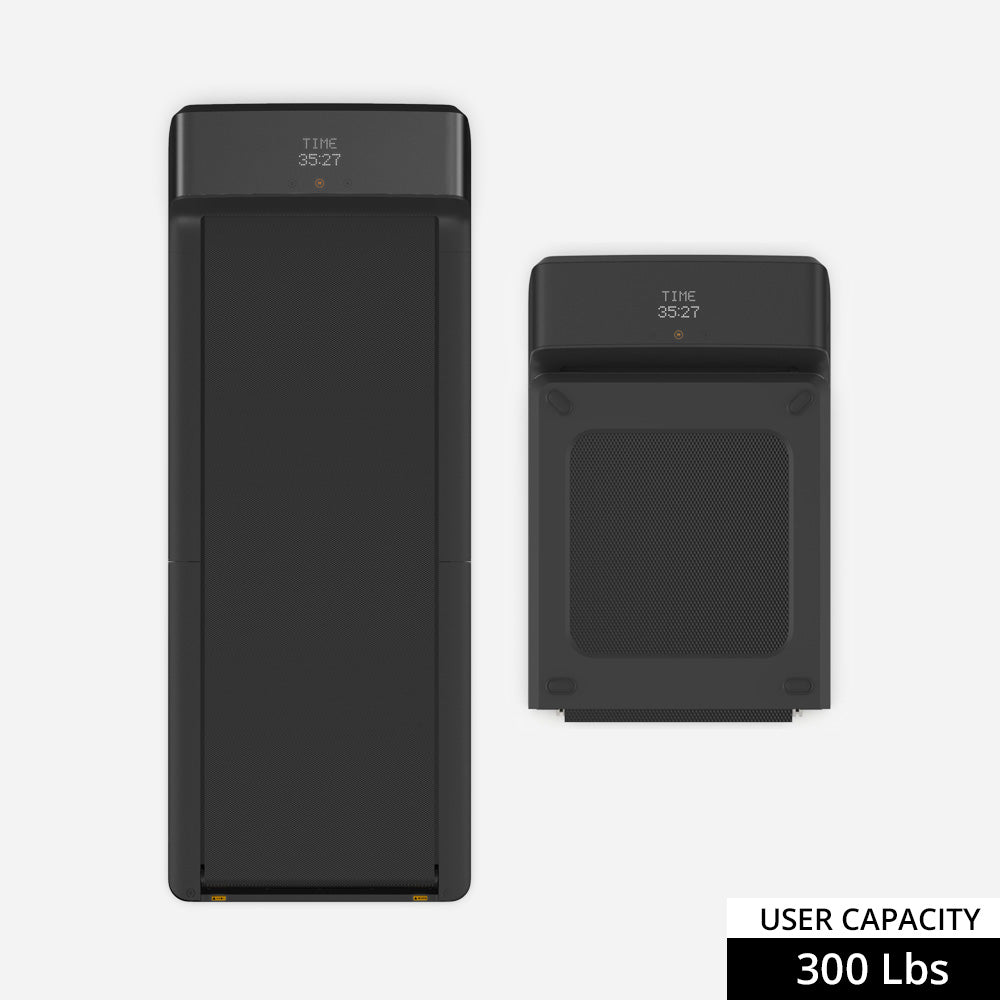
WalkingPad A1 Pro
 Paceora
 Comparison
This is the practical buyer's comparison: steadier desk comfort on one side, lighter storage friction on the other.
WalkingPad A1 Pro
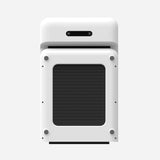
WalkingPad C2
Desk-first comfort
WalkingPad A1 Pro: Better for longer low-speed sessions
WalkingPad C2: Fine for shorter, lighter sessions
Storage burden
WalkingPad A1 Pro: Still foldable, but more committed
WalkingPad C2: Best if the treadmill must disappear fast
Typing confidence
WalkingPad A1 Pro: Calmer and easier to trust
WalkingPad C2: Good, but narrower and lighter-feeling
Mac workflow upside
WalkingPad A1 Pro: Biggest Paceora upgrade
WalkingPad C2: Strong convenience upgrade
This page includes affiliate links. If you buy through them, Paceora may earn a commission at no extra cost to you.
Pick the A1 Pro if you want the safer all-round desk setup. Pick the C2 if compact storage is the actual deciding factor.
This is the buying decision most desk-walking shoppers eventually hit. The A1 Pro is the steadier workhorse. The C2 is the easier small-space machine to keep using.
| What matters | WalkingPad A1 Pro | WalkingPad C2 |
|---|---|---|
| Desk-first comfort | Better for longer low-speed sessions | Fine for shorter, lighter sessions |
| Storage burden | Still foldable, but more committed | Best if the treadmill must disappear fast |
| Typing confidence | Calmer and easier to trust | Good, but narrower and lighter-feeling |
| Mac workflow upside | Biggest Paceora upgrade | Strong convenience upgrade |
Real-world fit
The specs matter less than how each treadmill behaves once it is under a desk, in a room, and part of a routine.
Daily use
For pure desk work, the A1 Pro is the winner because it feels more planted and higher-confidence once typing becomes the priority.
Space
For cramped rooms and multi-use spaces, the C2 is easier to live with. That is the real reason to choose it, not a vague hope that it will feel just like the A1 Pro.
Focus
Deep-focus roles usually prefer the A1 Pro because the narrower C2 deck becomes more noticeable during longer sessions.
Calls
Call-heavy buyers can use either model, but the C2 is more about convenience while the A1 Pro is more about calm repeatability.
Mac fit
Mac users choosing between these two are mostly deciding whether they want Paceora to upgrade a compact convenience machine or a sturdier daily desk machine.
Work style
Developers and writers lean A1 Pro — longer sessions demand the sturdier deck. Product managers and recruiters can use either, but the C2's quick setup suits fragmented schedules. Designers who care about office aesthetics should look at the X21 instead of either.
Tradeoffs
The A1 Pro loses on storage: it's heavier to move and takes more space when folded. If you live in a studio and the treadmill needs to disappear under the couch daily, the A1 Pro becomes a chore. The C2 loses on endurance: after 45 minutes of intense typing, the narrower deck starts reminding you it exists. Buyers who plan to walk through full work blocks will eventually wish they'd spent more.
Alternatives
If you want one sensible desk-first recommendation, start here. The A1 Pro is not the flashiest model, but it is often the hardest one to regret.
The C2 is a smart buy if your main goal is low-friction walking in a tight room. It is less convincing if you want a more planted daily desk setup.
FAQ
Usually yes if you expect to walk often and care about steadier desk use. If space is the true constraint, the C2 still makes the stronger case.
The C2, because it is easier to store and easier to justify physically in tighter rooms.
Both benefit, but the A1 Pro gets the bigger software-quality upgrade because it is more likely to be used as a daily desk machine.
This comparison is really about how much physical commitment your office can tolerate before the treadmill becomes a burden.