
The problem
The remote is only one control path. Before replacing it, check whether the treadmill still works through another path.
A broken or missing remote can point to two different problems. The treadmill may still work through Bluetooth, or it may not respond to any controller. Paceora helps only when the treadmill itself still responds.

The remote is only one control path. Before replacing it, check whether the treadmill still works through another path.
For desk walking, a small remote is easy to misplace and awkward to reach. If the treadmill still powers on and accepts Bluetooth commands, Paceora can put everyday controls on the Mac. If it responds nowhere, the remote may not be the only problem.
If your supported WalkingPad still powers on and can respond over Bluetooth, Paceora can replace daily remote use from your Mac. If the treadmill does not respond to any controller, solve the hardware or official support issue first.
If the treadmill is unresponsive, contact official hardware support first. If it powers on and your exact model is listed, run the compatibility check before buying Paceora. Consider a replacement model only when repair or replacement is already necessary.
Paceora is useful when the treadmill still works and the daily controller is the weak link. It is not a repair path for dead hardware.
This is the strongest Paceora case. If the model is supported, the Mac can become the everyday controller while the phone app stays available for setup or firmware edge cases.
Paceora can replace daily remote use on supported models. The treadmill still needs to power on, appear to nearby devices, and respond to control commands.
Treat this as hardware or official support first. A Mac app cannot repair a failed power state, dead control board, failed Bluetooth radio, or treadmill that will not respond anywhere.
Choose the replacement around your desk setup first. If Mac control matters, stay with a model Paceora supports instead of buying on hardware appeal alone.
If the treadmill still works over Bluetooth, a supported model can use Paceora for everyday Mac control. If it does not respond to the remote, phone app, or Bluetooth discovery, check power, safety state, and pairing, then contact official support before paying for software.
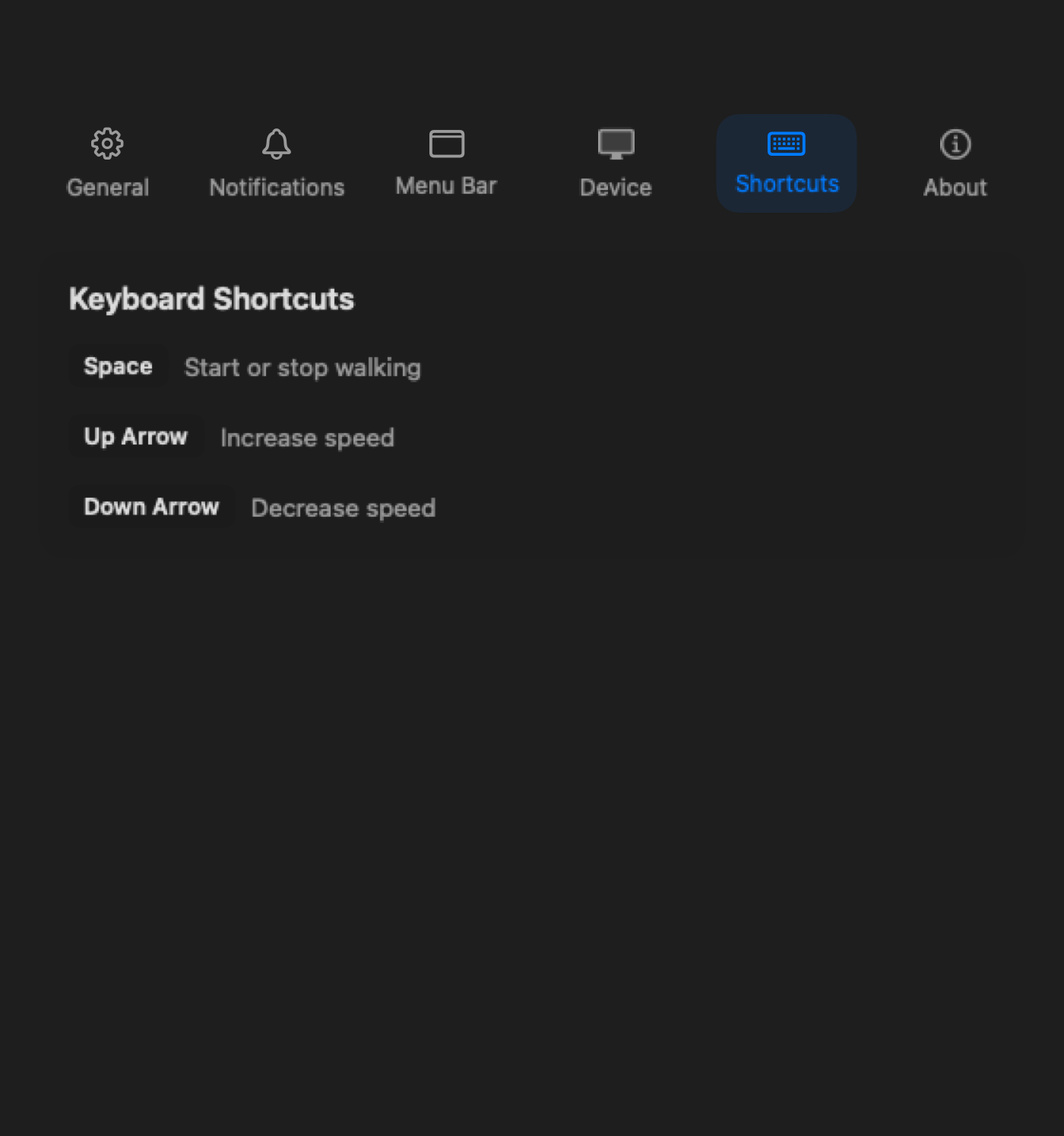
Use desktop shortcuts when the remote is the part interrupting the session.
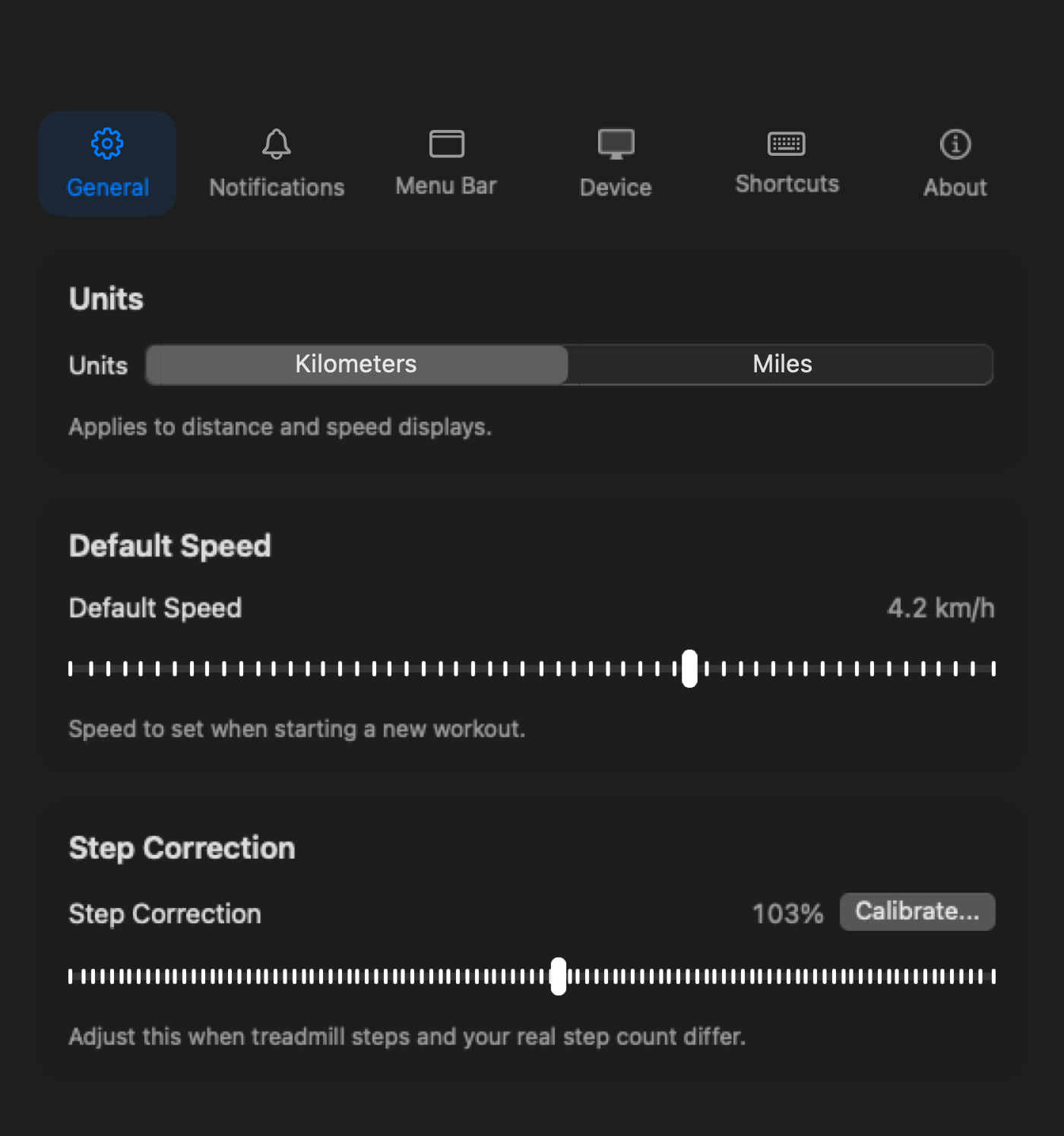
Keep the control state visible without checking a separate remote or phone.

If replacement is already necessary, compare the A1 Pro for regular desk walking. A missing remote alone is not a reason to replace a working treadmill.
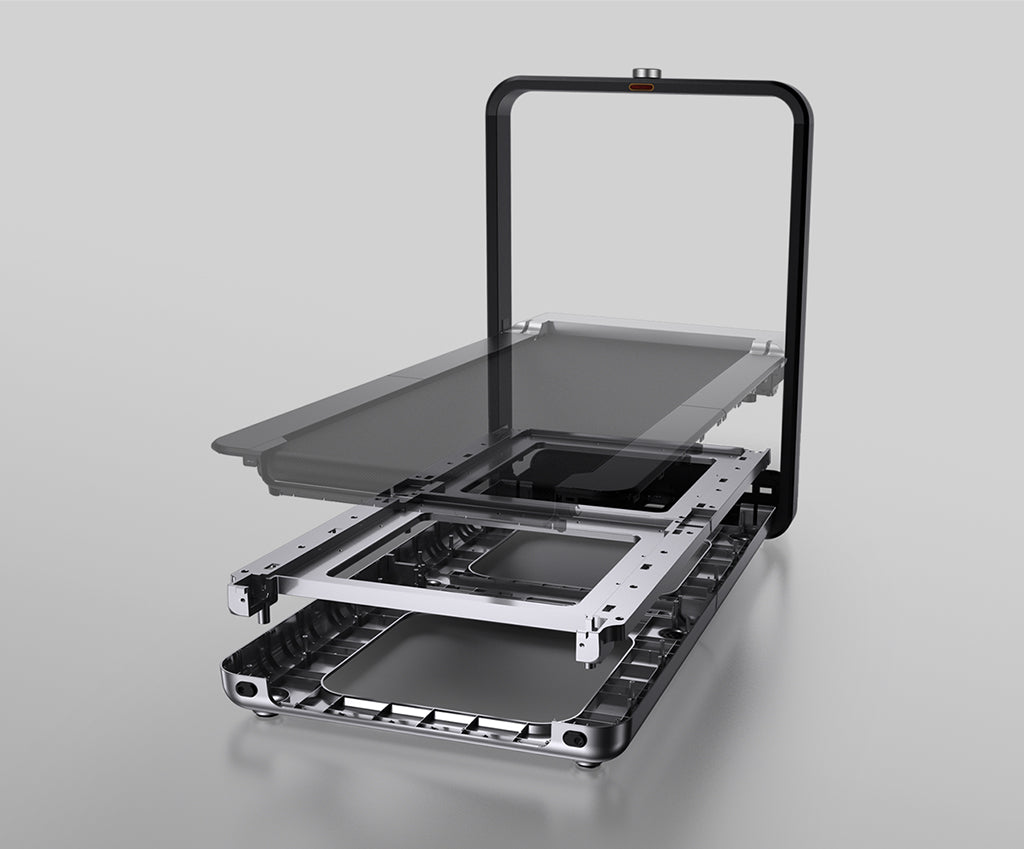
If you are replacing the treadmill and have a dedicated office, the X21 adds upright storage and a wider-feeling deck. Confirm the room and desk fit before paying the premium.
Skip both if the treadmill is not responding at all or if you need official replacement remote support.
For supported models and daily desk use, yes. It can handle start, stop, speed control, history, reminders, and shortcuts from the Mac.
No. It gives supported models another daily control path, but it does not repair the remote itself.
Treat that as a treadmill or support issue first. Paceora is not a hardware repair tool.
If the treadmill is unresponsive, contact official hardware support first. If it powers on and your exact model is listed, run the compatibility check before buying Paceora. Consider a replacement model only when repair or replacement is already necessary.