
Tasks that can work at low speed
Drafting, reading notes, and broad edits may tolerate a slow walk. The useful speed and session length vary, so start with a short test before planning a full writing block.
Desk walking for Writers Workday guide
Low-speed walking can fit drafting, reading, and light editing. Pause when citations, close revisions, or sentence-level decisions need steadier input.

Best for longer writing sessions.
Read the reviewDrafting, reading notes, and broad edits may tolerate a slow walk. The useful speed and session length vary, so start with a short test before planning a full writing block.
Stop when movement affects typing accuracy, close editing, source checking, or concentration. A walking session is optional, not a requirement for productive writing.
Long sessions need enough deck room, a stable desk, and a noise level that works for the room. Easy speed control helps when the task changes.
Amazon links are affiliate links. Paceora may earn a commission if you buy.
Best for longer writing sessions.
More deck room than the C2 for longer drafting and editing sessions.
Watch for: Heavier to move when the room must be cleared daily.
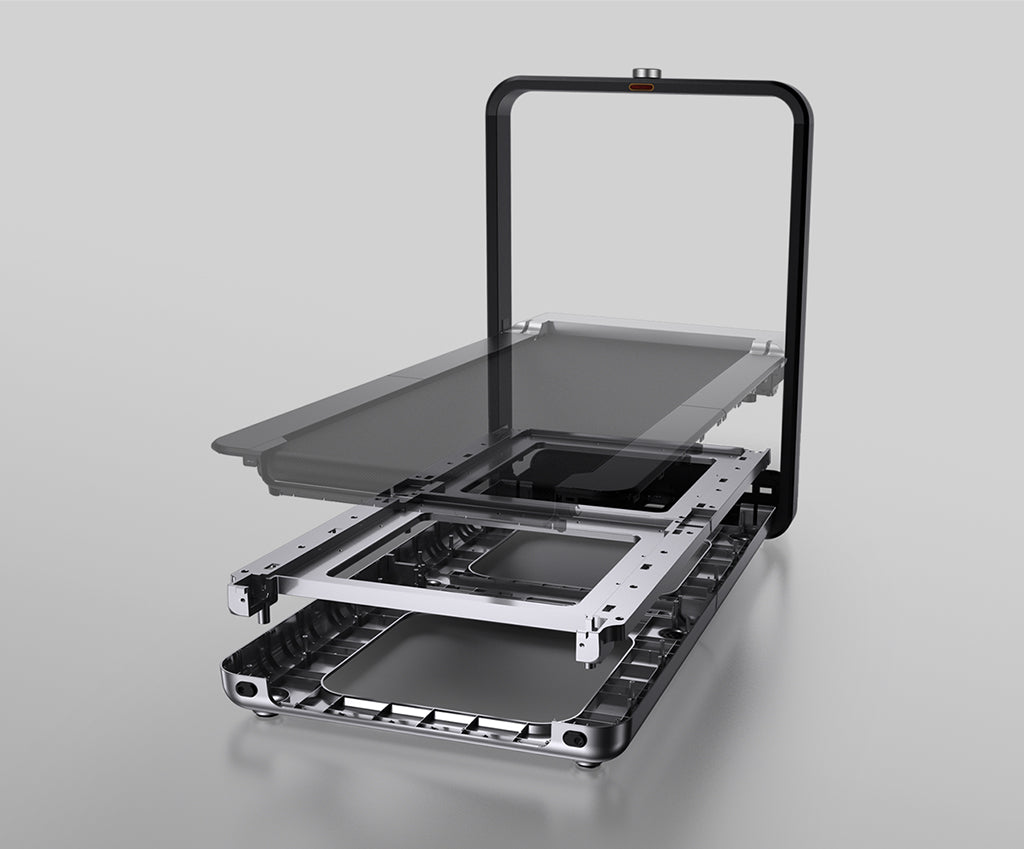
Worth it for a dedicated writing room.
A wider deck and upright storage suit a dedicated writing room.
Watch for: The higher price is hard to justify if the A1 Pro already fits.
Choose it when storage comes first.
Good for shorter sessions when the treadmill needs to fold away afterward.
Watch for: The narrower deck gives less room during long walks.
These are exercise-led choices rather than the default desk-walking picks. Move one of them ahead only when its extra capability solves a need you will use.
Choose it for walking and faster exercise. Choose it only if faster exercise is also planned.
Read the WalkingPad R1 Pro reviewChoose it only for capacity or mixed use. Its larger frame is justified only by capacity or mixed exercise needs.
Read the WalkingPad X25 reviewPaceora keeps speed and pause controls on the Mac, so you can adjust a walk without leaving the document for a phone app.
Get PaceoraThere is no universal speed. Start at the lowest practical setting and stop if typing accuracy or concentration changes.
It may. Test a short session with familiar work before attempting a long draft, and use a stationary setup whenever it works better.
The selector uses storage, session length, and desk setup to narrow the choice.