
Tasks that can work at low speed
Reading pull requests, reviewing logs, writing documentation, and routine coding can all be tested at a low walking speed. Whether it works depends on the person, desk, input devices, and task.
Desk walking for Developers Workday guide
Low-speed walking can fit code review, documentation, and routine implementation. Pause for live debugging, demos, or any task where movement affects accuracy.

Best for regular coding sessions.
Read the reviewReading pull requests, reviewing logs, writing documentation, and routine coding can all be tested at a low walking speed. Whether it works depends on the person, desk, input devices, and task.
Stop for live demos, pair programming, precise debugging, and difficult code changes if movement starts competing with the work.
Look for enough deck room to type without watching your feet, low noise for nearby microphones, and controls that make it easy to stop before a call or screen share.
Amazon links are affiliate links. Paceora may earn a commission if you buy.
Best for regular coding sessions.
More deck room than the C2 for long typing sessions without adding running features.
Watch for: Heavier than the C2 and less convenient to move every day.
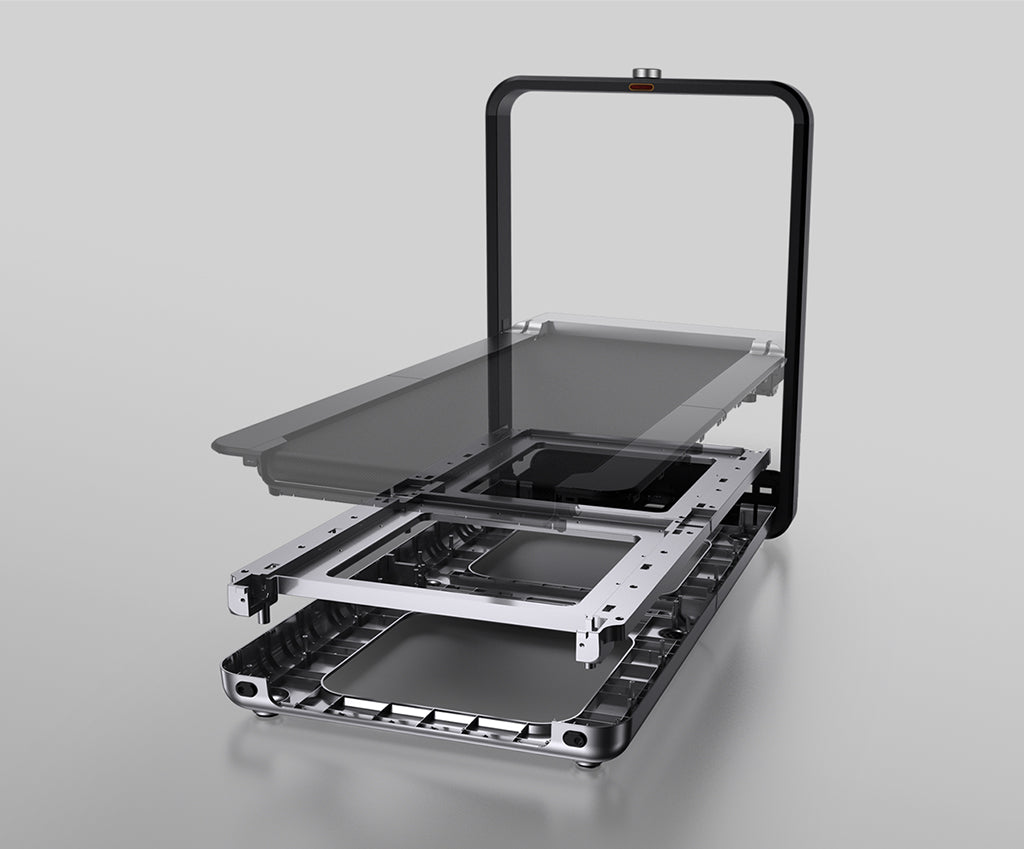
Worth it for a permanent office.
A wider deck and upright storage suit a dedicated office where the treadmill can stay visible.
Watch for: The higher price and fixed handle need to work for the room.
Choose it when storage comes first.
Compact storage suits shorter coding and review sessions in a multipurpose room.
Watch for: The narrower deck leaves less room during long typing blocks.
These are exercise-led choices rather than the default desk-walking picks. Move one of them ahead only when its extra capability solves a need you will use.
Choose it for walking and faster exercise. Choose it only if faster exercise modes will be used outside work.
It needs more floor space than the walking-only models.
Read the WalkingPad R1 Pro reviewChoose it only for capacity or mixed use. Consider it only when its published capacity or faster exercise modes are required.
Read the WalkingPad X25 reviewPaceora puts start, stop, speed, shortcuts, and session history on the Mac, so a work walk can be adjusted without opening the phone app.
Get PaceoraTyping at a low speed may be possible, but comfort and accuracy vary. Start slowly, keep the desk stable, and stop if movement affects the work.
It depends on the model, floor, room, and microphone. Test the setup with another person and pause for important calls.
It can suit shorter sessions when storage matters. Compare the A1 Pro if you expect longer typing blocks or want more deck room.
The selector uses storage, session length, and desk setup to narrow the choice.