
Tasks that can work at low speed
Reviewing status notes, updating simple documentation, and preparing agendas may fit short low-speed walks between meetings.
Desk walking for Project managers Workday guide
Walking can fit schedule review, project notes, and follow-up email. Pause for meetings, incident response, and detailed planning.

Best for planning between meetings.
Read the reviewReviewing status notes, updating simple documentation, and preparing agendas may fit short low-speed walks between meetings.
Stop for presentations, risk discussions, incident handling, and detailed schedule or budget work if movement affects attention.
Quick start and stop, tested microphone noise, and storage that matches a fragmented day are more useful than faster exercise modes.
Amazon links are affiliate links. Paceora may earn a commission if you buy.
Best for planning between meetings.
Works for short gaps and longer planning or document sessions.
Choose it when storage comes first.
Compact storage suits short walks between meetings.
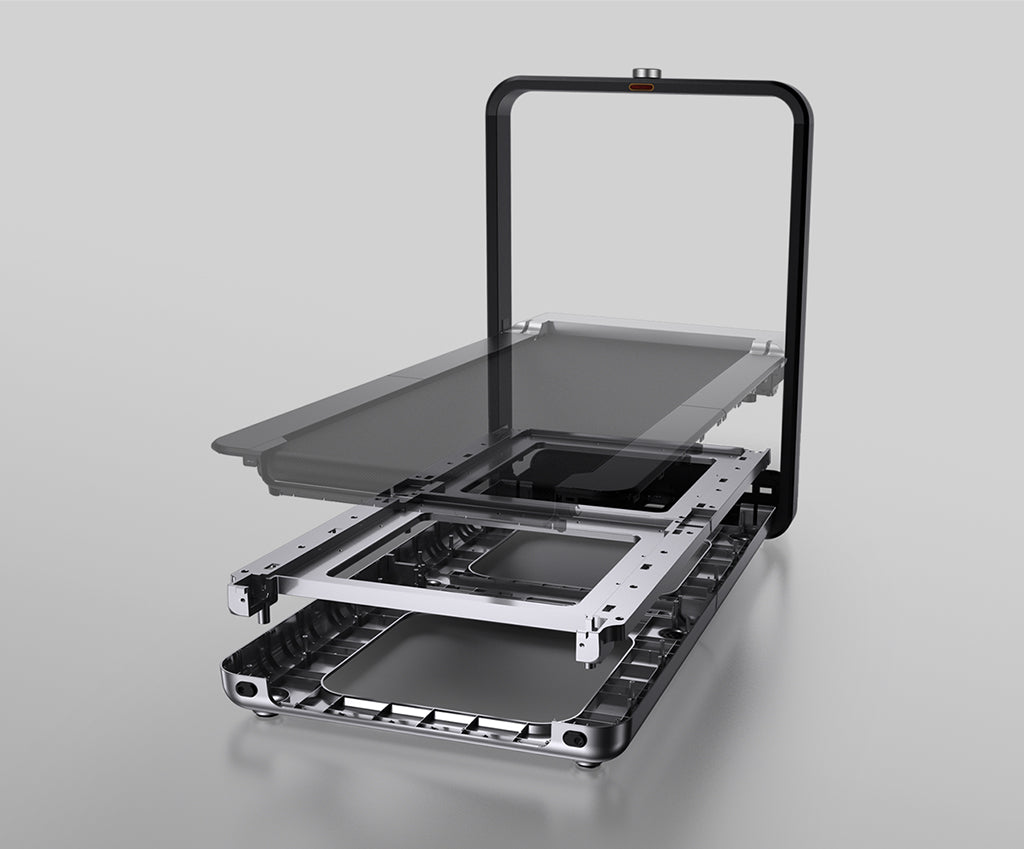
Worth it for a permanent office.
Upright storage works in a dedicated visible office.
These are exercise-led choices rather than the default desk-walking picks. Move one of them ahead only when its extra capability solves a need you will use.
Choose it for walking and faster exercise. Choose it only when faster exercise will also be used.
Read the WalkingPad R1 Pro reviewChoose it only for capacity or mixed use. Its larger frame is useful only when capacity or mixed exercise needs require it.
Read the WalkingPad X25 reviewPaceora puts pause and speed controls on the Mac so a walk can end before the next meeting or incident.
Get PaceoraSome listen-only portions may work, but team expectations, audio, and attention vary. Pause when presenting, sharing a screen, or leading the discussion.
The selector uses storage, session length, and desk setup to narrow the choice.