
Tasks that can work at low speed
Roadmap review, writing requirements, and email can be tested during short low-speed walks. A fragmented calendar makes quick start and stop more useful than maximum treadmill speed.
Desk walking for PMs Workday guide
Walking can fit backlog review, document reading, and short gaps between meetings. Pause for presentations, interviews, and calls that need full attention.

Best for mixed session lengths.
Read the reviewRoadmap review, writing requirements, and email can be tested during short low-speed walks. A fragmented calendar makes quick start and stop more useful than maximum treadmill speed.
Stop for presentations, screen sharing, customer interviews, and difficult prioritization discussions if movement becomes distracting.
Quick controls, low-speed noise, and simple storage matter more than running features. The treadmill should be easy to pause when the next meeting starts.
Amazon links are affiliate links. Paceora may earn a commission if you buy.
Best for mixed session lengths.
Suitable for both short walks and longer document sessions, with more deck room than the C2.
Watch for: It is not the easiest model to hide quickly.
Choose it when storage comes first.
Compact storage works well when the office serves another purpose between meetings.
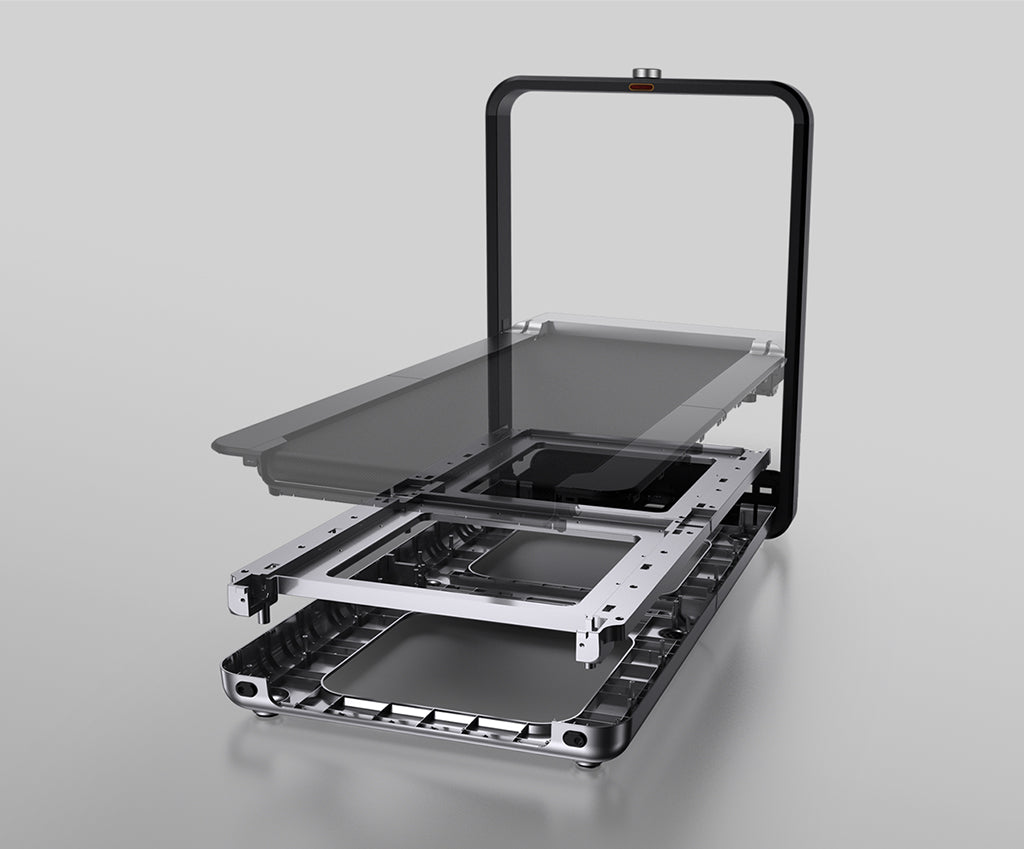
Worth it for a permanent office.
Upright storage suits a permanent, visible office setup.
These are exercise-led choices rather than the default desk-walking picks. Move one of them ahead only when its extra capability solves a need you will use.
Choose it for walking and faster exercise. Choose it only if faster exercise modes will be used outside work.
Read the WalkingPad R1 Pro reviewChoose it only for capacity or mixed use. Its larger frame is useful only when capacity or exercise needs justify the room it takes.
Read the WalkingPad X25 reviewPaceora lets you pause or change speed from the menu bar before a meeting, without finding the remote or opening the phone app.
Get PaceoraSome listen-only calls may work at low speed, but audio, attention, and company expectations vary. Pause for presentations and important discussions.
Start with the A1 Pro for regular use or the C2 when storage is the stronger requirement. Test microphone noise in your own room.
The selector uses storage, session length, and desk setup to narrow the choice.