
Tasks that can work at low speed
Routine ticket triage, documentation, and follow-up email may fit short low-speed walks when the queue allows.
Desk walking for Support Workday guide
Walking can fit ticket review and knowledge-base updates between live conversations. Pause for calls, escalations, and sensitive customer issues.

Best for tickets and documentation.
Read the reviewRoutine ticket triage, documentation, and follow-up email may fit short low-speed walks when the queue allows.
Stop for live calls, difficult escalations, screen sharing, and any conversation where movement or noise could affect the customer.
Quick pause controls and tested microphone noise are essential. Short sessions and unpredictable interruptions also make simple storage useful.
Amazon links are affiliate links. Paceora may earn a commission if you buy.
Best for tickets and documentation.
Suitable for short walks and longer documentation sessions, with more deck room than the C2.
Choose it when storage comes first.
Compact storage works for brief walks between calls.
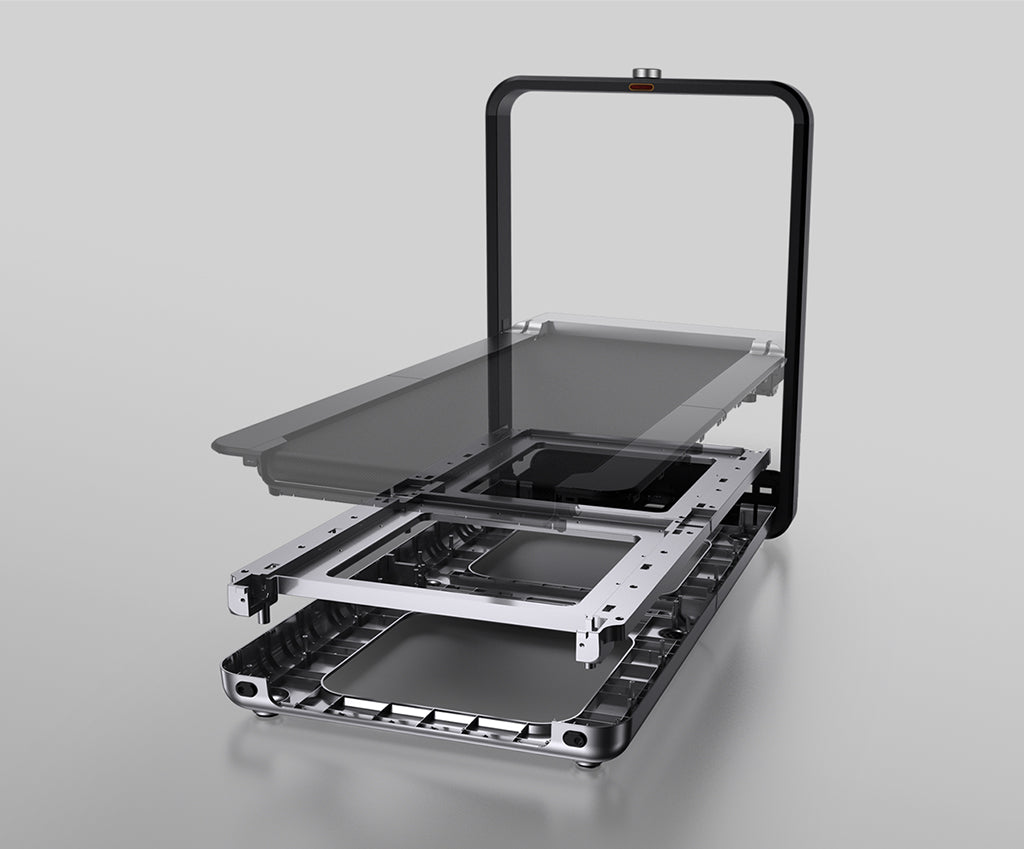
Worth it for a permanent office.
Upright storage suits a permanent office with room for the fixed handle.
These are exercise-led choices rather than the default desk-walking picks. Move one of them ahead only when its extra capability solves a need you will use.
Choose it for walking and faster exercise. Choose it only when faster exercise is also planned.
Read the WalkingPad R1 Pro reviewChoose it only for capacity or mixed use. Its larger frame is appropriate only when capacity or exercise needs require it.
Read the WalkingPad X25 reviewPaceora puts a pause control on the Mac so the treadmill can be stopped before answering a call.
Get PaceoraThey might. Noise depends on the treadmill, floor, room, microphone, and speed. Test with another person and pause for live calls.
Routine triage and documentation may work at low speed. Stop for complex escalations or anything that needs full attention.
The selector uses storage, session length, and desk setup to narrow the choice.