
Tasks that can work at low speed
Reading source material, outlining articles, reviewing performance summaries, and routine planning may work at a low speed.
Desk walking for Content marketers Workday guide
Walking can fit research, outlines, and dashboard review. Pause for detailed spreadsheets, publishing checks, and meetings that need close attention.

Best for varied content tasks.
Read the reviewReading source material, outlining articles, reviewing performance summaries, and routine planning may work at a low speed.
Stop for complex analysis, detailed CMS work, visual quality checks, and calls where movement or noise becomes a problem.
A versatile deck, quick pause controls, and storage that matches the room are more useful than faster exercise modes.
Amazon links are affiliate links. Paceora may earn a commission if you buy.
Best for varied content tasks.
Balances longer writing sessions with short review walks.
Choose it when storage comes first.
Easy storage suits shorter sessions in a multipurpose room.
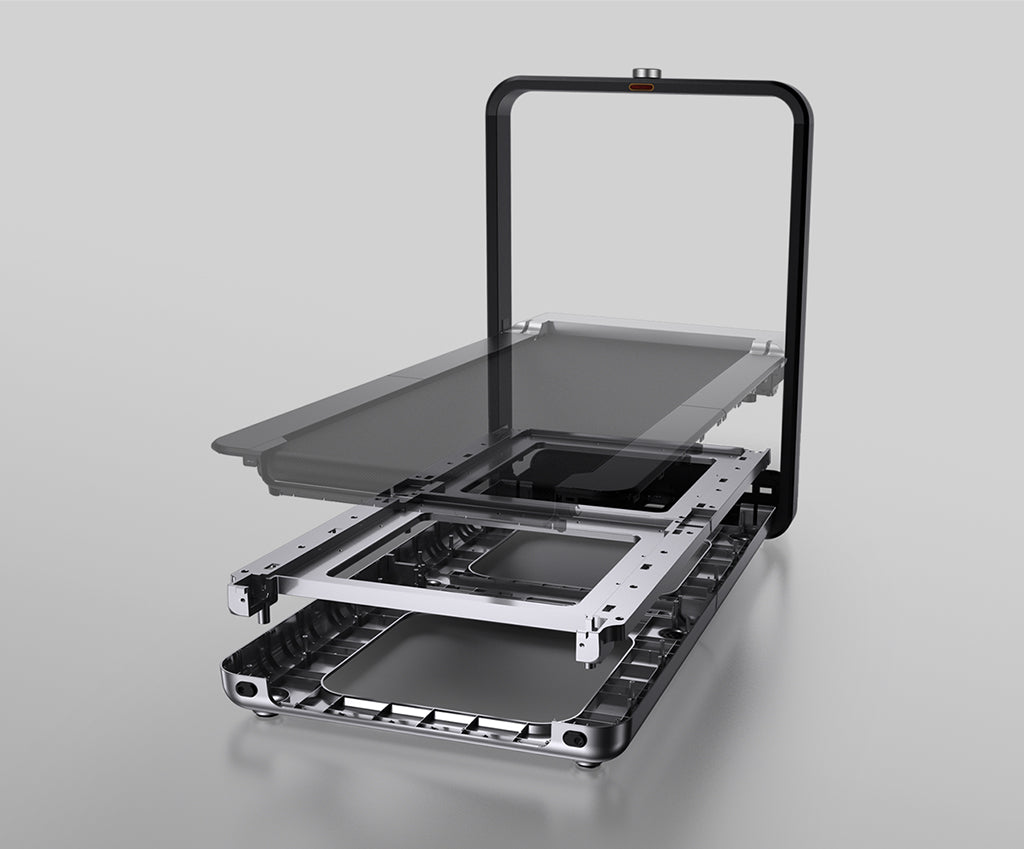
Worth it for a permanent office.
Upright storage works in a dedicated visible office.
These are exercise-led choices rather than the default desk-walking picks. Move one of them ahead only when its extra capability solves a need you will use.
Choose it for walking and faster exercise. Choose it when one machine also needs faster exercise modes.
Read the WalkingPad R1 Pro reviewChoose it only for capacity or mixed use. Its size is justified only by capacity or mixed exercise requirements.
Read the WalkingPad X25 reviewPaceora keeps the treadmill controls next to the documents, dashboards, and publishing tools already open on the Mac.
Get PaceoraHigh-level dashboards and reports may work at low speed. Pause for detailed spreadsheets, attribution checks, and data entry.
The selector uses storage, session length, and desk setup to narrow the choice.